


Lesson · 3 hr
Claude
Advanced Claude: Code + Design
Build a reliable Claude Code workflow, then connect your frontend codebase to Claude Design.
25 videos · notes · certificate
Grant Harvey
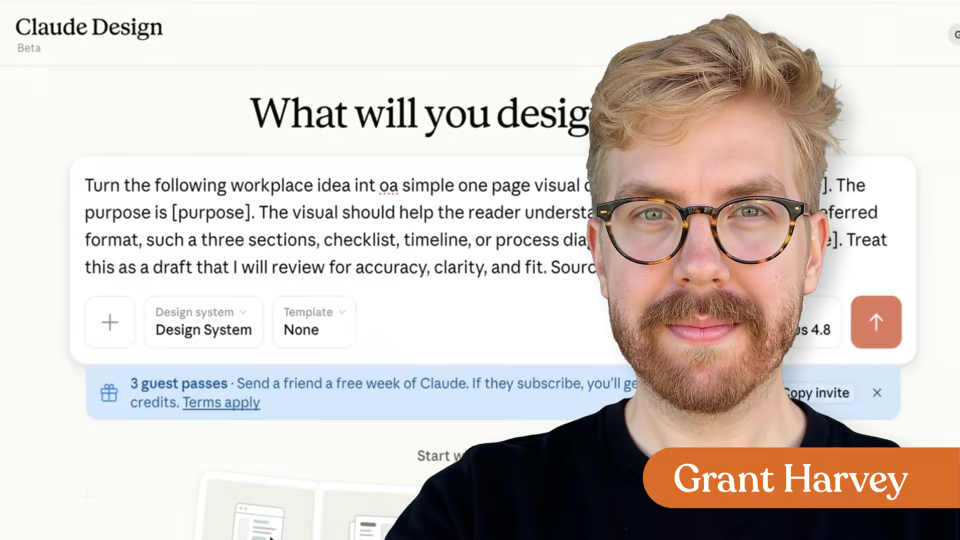
Learn how to use Claude Design with notes, brand assets, design systems, GitHub repos, prototype codebases, and coding agents to create reviewable visual drafts and front-end designs.
7 days free, then a monthly or yearly plan. Cancel anytime.

Taught by Grant Harvey
Curriculum
One mark for every step, in the order you take them. 8 videos, 1 exercise and a certificate of completion.
Discover how Claude Design can help you move past the blank page by turning a plain-language workplace idea into a visual draft you can review, refine, and improve.
Learn what Claude Design is, how its chat and canvas work together, and why the visuals it generates should be treated as starting points rather than finished assets.
Explore the basic Claude Design workflow: provide your message and context, request a specific visual format, review the first draft, and refine the result using chat, comments, or direct canvas edits.
See which professionals and workplace tasks are a good fit for Claude Design, including one-page summaries, diagrams, visual frameworks, presentations, prototypes, and early layout ideas.
Learn when Claude Design may not be the right choice, especially for sensitive messages, exact data visualizations, brand-critical assets, or work that will not receive human review.
Follow a step-by-step demonstration of turning a dense weekly team update into a clear, one-page visual summary. You will also see how to write a focused prompt, evaluate the first draft, and request useful revisions.
Review the most important limitations of AI-generated visuals and learn how to check drafts for accuracy, missing information, audience fit, brand alignment, accessibility, and overall clarity.
Use a practical decision checklist to determine when Claude Design can improve a workplace message and when a paragraph, table, checklist, or another format may be more effective.
Congratulations on completing "Getting Started with Claude Design"! Download your completion certificate and prepare to share your new AI superpowers.
Your instructor
Grant is the voice of The Neuron, the daily newsletter delivering no-hype insights on how AI is changing the world around us, and co-hosts The Neuron’s weekly podcast.
Tools covered
It's a micro course of 8 lessons. Inside: 8 videos, 1 exercise and a certificate of completion.
Grant Harvey. Grant is the voice of The Neuron, the daily newsletter delivering no-hype insights on how AI is changing the world around us, and co-hosts The Neuron’s weekly podcast.
Yes. Finish the course and you get a certificate of completion from The Neuron Academy.
No, though you'll work hands-on with coding tools. The course walks you through them step by step, and like everything in the Academy it assumes no coding background.
This course is included in a The Neuron Academy membership. Start with a 7-day free trial, then choose a monthly or yearly plan. Cancel anytime. New lessons are added every week.
Claude
Build a reliable Claude Code workflow, then connect your frontend codebase to Claude Design.
25 videos · notes · certificate
Claude
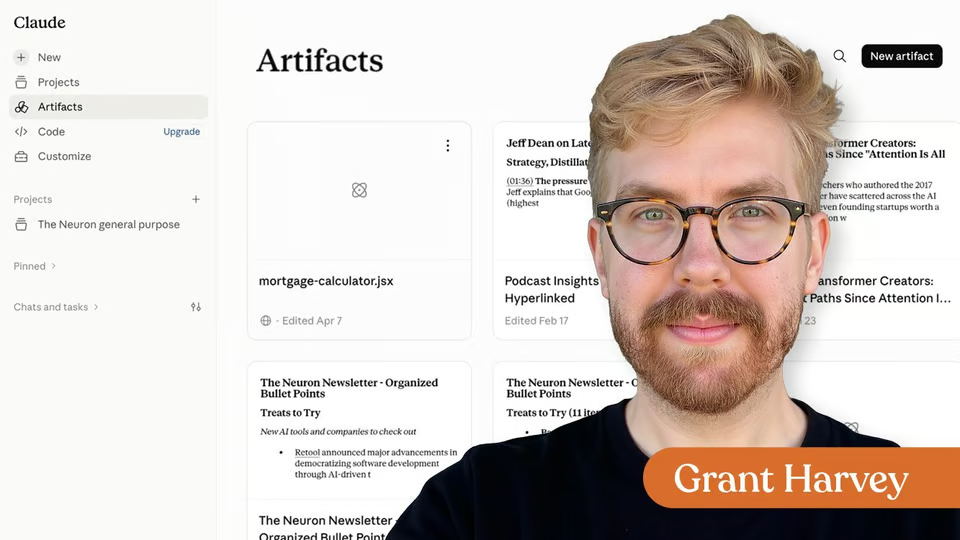
Learn to create and refine Claude Artifacts, then choose the right Artifact type for reusable, connected, or technical work.
2 videos · notes · certificate
Claude
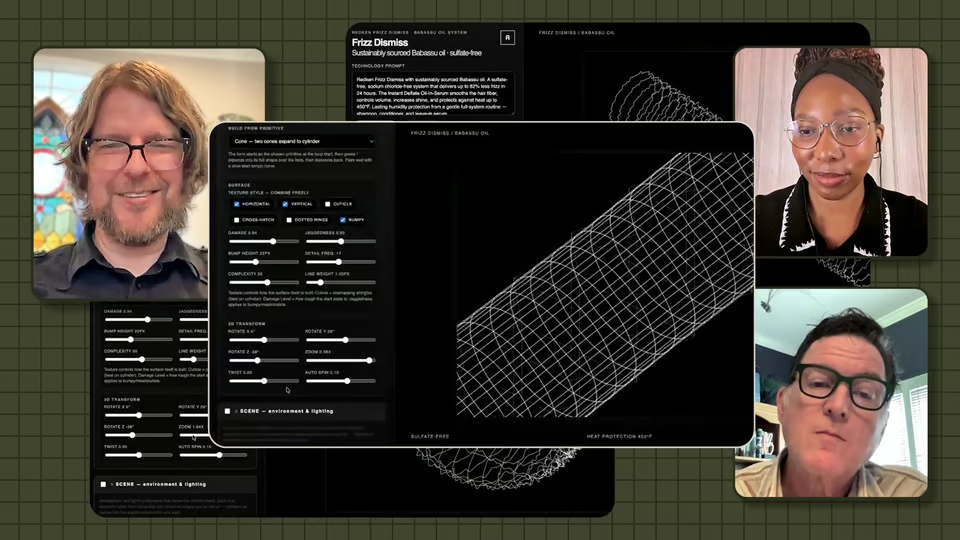
How a creative director used Claude Cowork, approved brand references, iterative testing, and human review to build branded scientific visuals.
1 video · 1 exercise · certificate
The Neuron Academy
7 days free, then a monthly or yearly plan. Cancel anytime.

Getting Started with Claude Design

Don't fall behind on AI. Get the AI trends & tools you need to know. Join 700,000+ professionals from top companies like Microsoft, Apple, Salesforce and more.
Property of TechnologyAdvice. © 2026 TechnologyAdvice. All Rights Reserved
Advertiser Disclosure: Some of the products that appear on this site are from companies from which TechnologyAdvice receives compensation. This compensation may impact how and where products appear on this site including, for example, the order in which they appear. TechnologyAdvice does not include all companies or all types of products available in the marketplace.
Stay in the loop
Get notified when we publish new articles.