

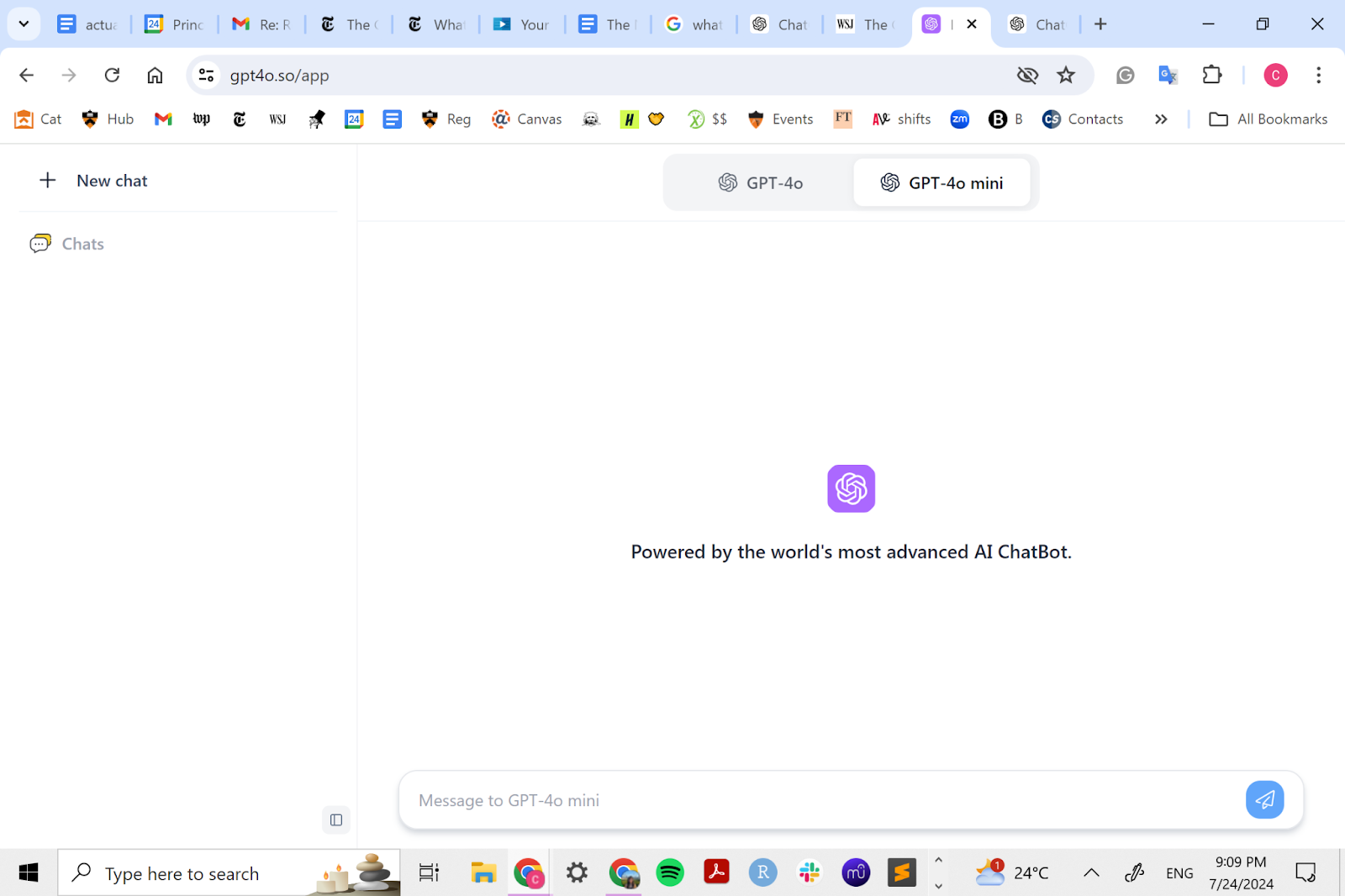
ChatGPT (OpenAI)
The most complete chatbot experience.
Note: This category is moving extremely fast. We'll do our best to keep this updated, but we may be a little slow. We recommend subscribing to our newsletter, where we cover big updates regularly.
It's hard to write about ChatGPT given how so many of our standards are set by ChatGPT itself.
Here's what we'll say to start: if you still haven't tried ChatGPT out yet, you should. But we get that it's hard to figure out how exactly to use it and where. We plan on writing a lot of content to help you out there.
Expanding horizons
The real exciting work about ChatGPT is all of the different directions it's moving in.
The core product is already helping people 10x their content production, learn any topic faster than they ever have before and problem-solve issues with a human-level thought partner.
But here's what's coming:
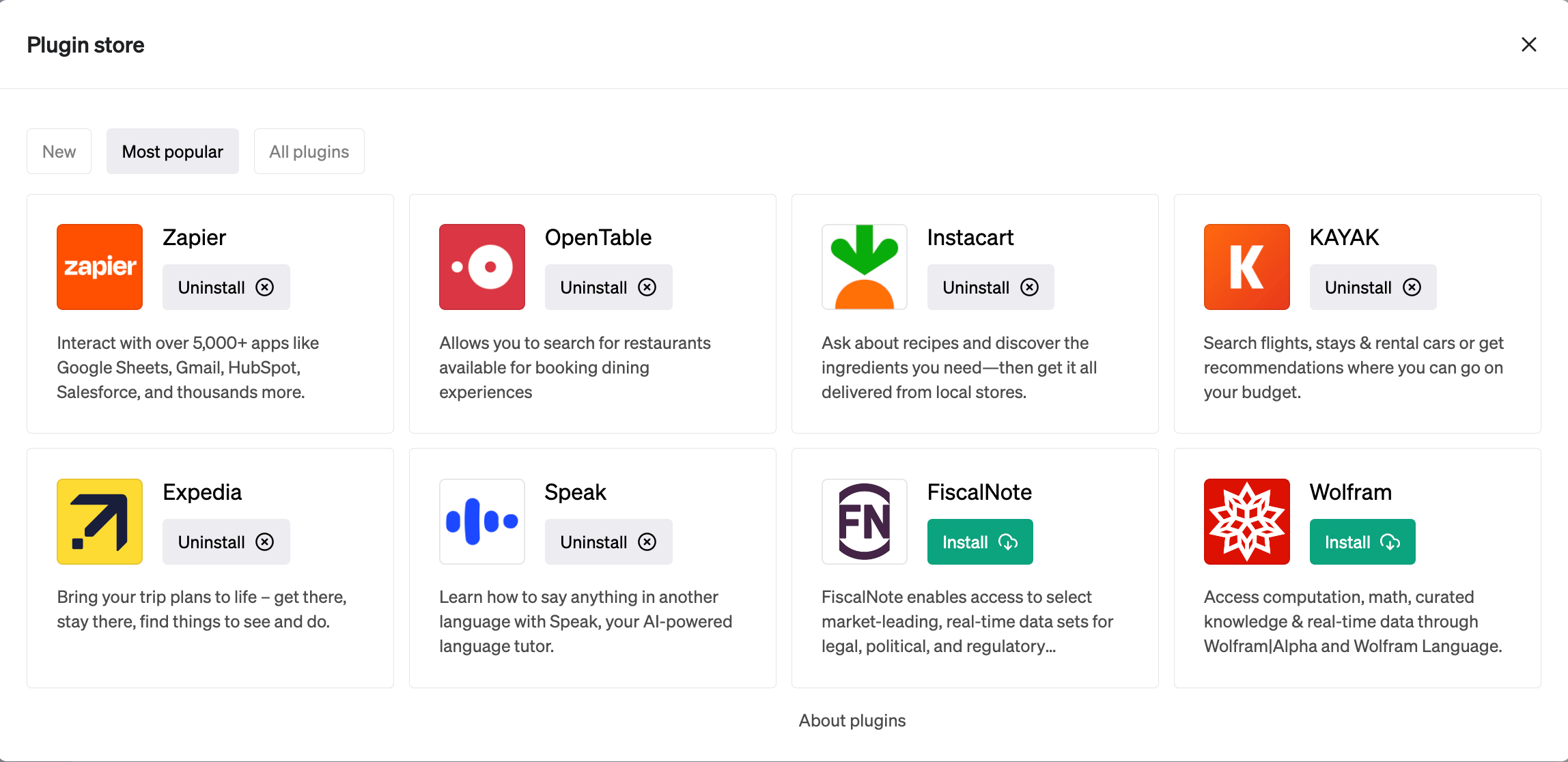
- Plugins - Dozens of companies are building out connections so that you can use their products from within ChatGPT itself
- Internet browsing - Until now, ChatGPT only had access to data through September 2021. Connecting to the Internet lets it find the latest info.
- Multimodal - When announcing GPT-4, OpenAI demo'd a version of ChatGPT that could understand an image that you uploaded, then do things with that image (e.g., sketch a website then generate the code)
These are going to elevate the ChatGPT like crazy. There's a LOT of stuff you can do with those ideas, eventually leading to a world where you do most of your work with ChatGPT.
You need to learn how to prompt
The difference between tools like Jasper and just using ChatGPT is that Jasper has tooling in place to send the right instructions to the AI model so you don't have to figure it out yourself.
Our general stance is that you should learn how to do this regardless - it's the new "learn how to search Google" - but it's a process, and sometimes, you just don't have the time or patience to do it.
Once you eventually get there, you could theoretically replace other tools (which might cost you $30+/month) with ChatGPT, especially if you're using this for personal or small-team usage.
ChatGPT Plus: Is it worth paying for?
ChatGPT Plus costs $20/month and gets you:
- Faster speeds
- More availability, even when demand is high
- Access to new features: GPT-4, plugins, all the stuff mentioned above
Our perspective: once you get used to using ChatGPT for all the different personas it can play (writer, editor, thought partner, etc.) - it's more than worth it. If anything, having reliably fast access is very helpful.
Related Tools
Claude (Anthropic)
The best for writing and coding (for now…)

Copilot
ChatGPT inside of Microsoft Windows and other apps.
LM Studio
A privacy-first, cross-platform local AI studio. LM Studio blends a friendly chat UI, offline RAG, OpenAI-compatible API, and preset sharing into a single package—ideal for developers and teams that want local control without sacrificing usability.

Meta AI
Meta AI is a conversational assistant that blends into the apps billions of people already use. It’s not just about chat, it supports creation, discovery, and productivity through text, voice, and visual tools. As part of Meta’s vision, Meta AI doubles as a testbed for cutting-edge LLaMA research while giving users a personalized assistant across apps and devices.
