



If you’ve ever had six terminal tabs open, two half-written PRs, and one “why did I even check out this branch?” moment, Wednesday's launch is your kind of chaos.
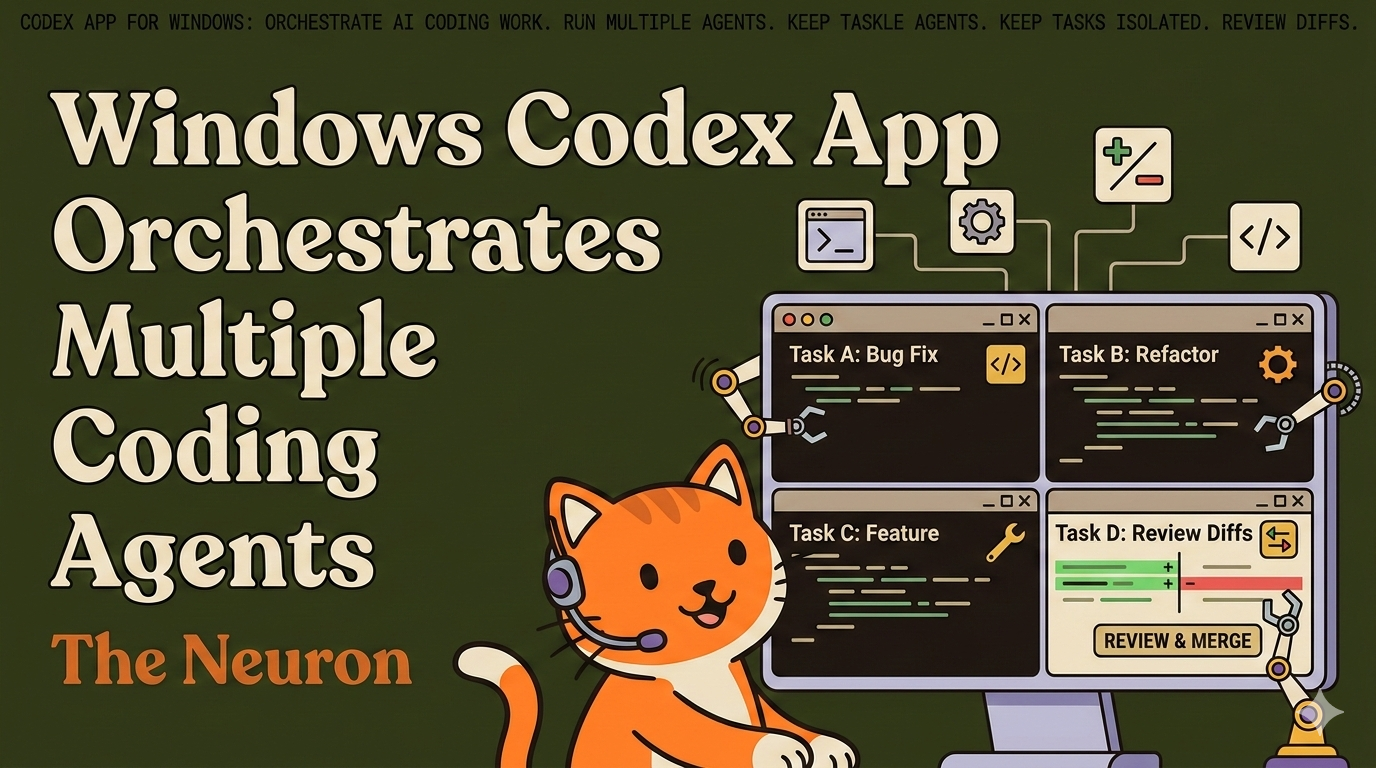
OpenAI rolled out Codex App for Windows on March 4, 2026. On paper, that may read “new platform support.” In practice, it’s a workflow shift: you can run multiple coding agents in parallel, keep tasks isolated, and review real diffs before anything lands in your codebase.
And if you work on Windows in a real job (not a perfect demo repo), this matters. Also, it's available to Free and Go tier users in March, with rate limits doubled this month for all other plans.
Also, here's our earlier guide to the Codex app on Mac, if you're interested.
The Big Idea: One Place to Orchestrate AI Coding Work
Most AI coding tools are great at one-off prompts. But most real software work is not one-off prompts.
The Codex app’s core value is orchestration:
- Multiple threads for multiple tasks
- Isolated work contexts (so tasks don’t collide)
- Diff-first review before merge
- Handoff to your editor and existing tooling
That means less “AI wrote stuff somewhere” and more “AI did scoped work I can actually review.”
First Impressions from Corey (A Daily Codex User)
Simply put, I love it. Codex for Windows immediately pulled in all of my previous Codex conversations. It's not an engineering marvel, but makes life easier.
As is standard with OpenAI, there's a bit of a minimalist/Apple-style vibe to the app. From download to setup took about 3 minutes overall. Simple and intuitive, even for a coding novice like myself.
I like the simple one-click access to a terminal, Visual Studio, automations, and the skiller builder and installer tools. The layout features a simple Projects option that keeps things tidy and organized (something ChatGPT so desperately needs.)
I dropped in a Word document that contained stuff for all of my various Projects and told it to "Save this and reference it whenever I ask for something involving [list of project names]."
After only about a half hour of playing, I think I'm hooked. I'll have more extensive notes in the coming days, but on first pass, I'm a fan.
For context, I do run a pretty hot rig.
Dell Pro Max Micro
Intel Core Ultra 7 265 (20 cores up to 5.3 GHz, 65 W)
NVIDIA RTC 4000 SFF ADA, 20GB GDDR6
4TB SSD
The Pain It Solves (That Nobody Puts on Slide 1)
Let’s make this concrete.
Nightmare scenario: You’re mid-sprint. One customer bug is on fire. Another teammate asks for a quick refactor. PM wants a tiny feature “that should only take 20 minutes” (famous last words).
You jump between tabs, lose context, then accidentally mix two fixes in one branch.
Now code review becomes forensic archaeology.
Real costs: Slower shipping, messier diffs, and more cognitive load than the coding itself.
Punchline: Codex App for Windows helps by splitting work into isolated streams and supervising results in one control panel.
Codex App vs Codex CLI vs Codex Web
This is the part most teams skip, then regret. Long stpry short: Use the right interface for the job:
- Codex App (Windows desktop): Best for multi-tasking across a repo, supervising several agent tasks, and keeping long-running work organized.
- Codex CLI: Best for terminal-native builders who want speed, direct control, and tight integration with local scripts and commands.
- Codex Web: Best for quick asks, lightweight coding help, and “I need this done now with zero setup” moments.
Even shorter version:
App = Orchestrate.
CLI = Operate.
Web = Delegate. Fast.
A Practical Decision Framework
Before you start, ask one question: “Am I coordinating work or doing one focused operation?”
Choose like this:
- If you’re managing multiple tasks or longer flows, pick the App.
- If you’re doing precise edits in an existing terminal workflow, pick the CLI.
- If you need a quick answer / quick code pass, pick Web.
If your team does all three (and most do), standardize the split instead of arguing about which is the "best" tool for the job.
What Changes for Non-Engineers
Even if you’re not writing production code every day, this launch still matters for AI-native work:
- Product and ops folks can run scoped implementation tasks with clearer review artifacts.
- Tech leads can supervise parallel work without manually juggling every context.
- Hybrid teams can keep one system of record for “what changed and why.”
You don’t need everyone to become terminal-heavy. You need everyone to stop losing context.
Tips to Get Value in Week One
Start simple. "Transform your SDLC" should not be a day-one undertaking.
- Pick one repeat workflow (e.g., bug triage + patch + tests).
- Run it in the Codex App with separate threads per task.
- Compare review time and rework vs your old process.
- Keep CLI for surgical fixes.
- Use Web for fast ideation or one-off snippets.
This gives you a clean baseline without the drain process theater.
Final Take
The Codex App for Windows launch is not just a checkbox for OS parity. It’s OpenAI's signal that AI coding is maturing from chat prompts into workflow infrastructure.
Teams that win here won’t be the teams with the fanciest prompt. They’ll be the teams that route work intentionally:
- App for orchestration
- CLI for execution
- Web for speed
Less context-switching tax. Better diffs. Faster shipping.
That’s the actual feature.
