• Full course
  • 5 lessons
  • Beginner

Getting Started with Gemini

Learn how to use Gemini for practical work with more confidence, less guesswork, and clearer results.

Explore Gemini’s interface, context window, and strengths for multi-step tasks. Practice using Gemini across Google Docs, Sheets, Gmail, Drive, Gems, Extensions, and multimodal inputs. Apply advanced tools like Deep Research, Nano Banana, and NotebookLM to turn information into usable outputs.

Start this course free

7 days free, then a monthly or yearly plan. Cancel anytime.

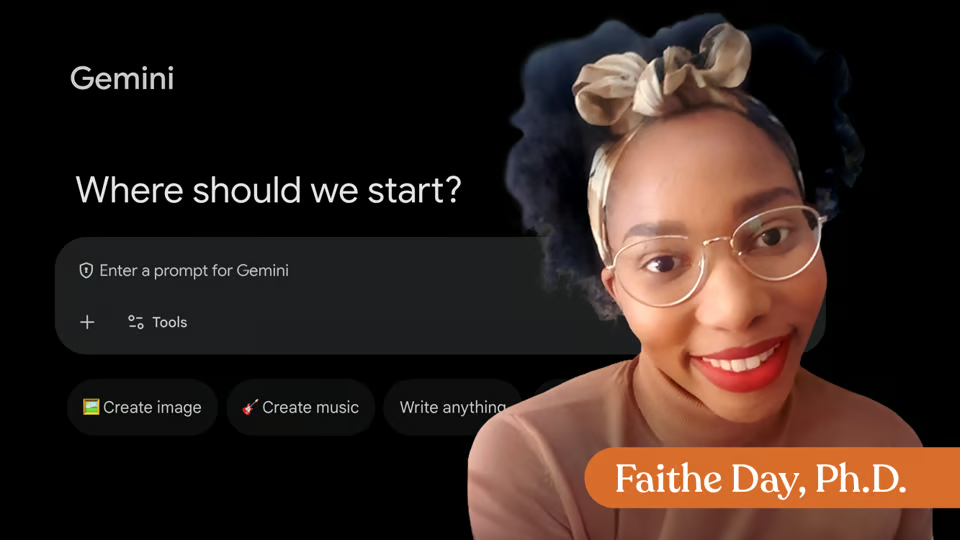
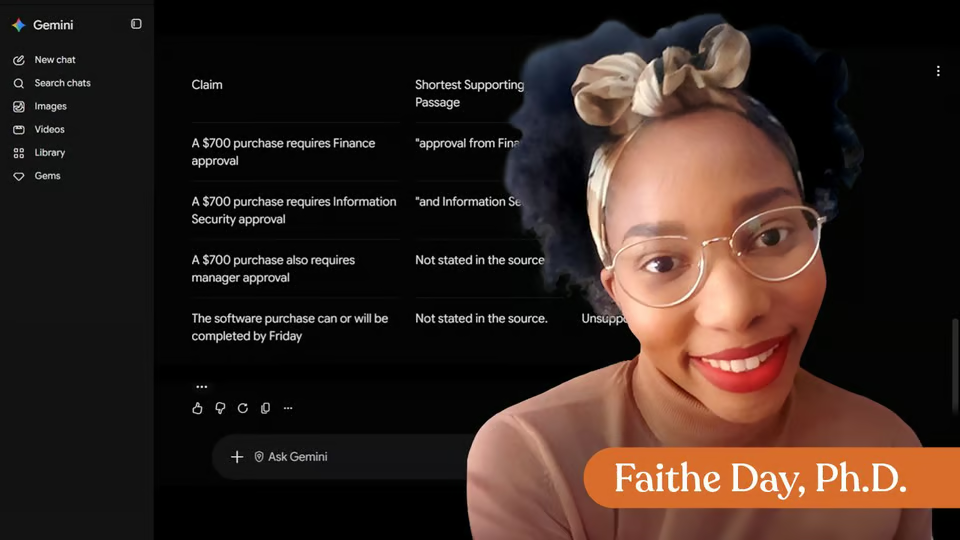
Taught by Faithe Day, Ph.D.

Getting Started with Gemini, from The Neuron Academy

What you'll learn

  • How to choose the right Gemini workflow
  • Guide the tool with clearer prompts
  • Work across Google tools

Curriculum

The shape of the course

One mark for every step, in the order you take them. 90 videos, 1 knowledge check, 3 exercises, downloadable notes and a certificate of completion.

  1. The Gemini Interface

    • 19 videos
    • 1 knowledge check
    • 1 exercise
    • Downloadable notes

    Get comfortable using Gemini from the start. You’ll learn how to navigate the interface, understand what makes its context window different, and where it stands out compared to other AI tools. By the end, you’ll know when Gemini is the right tool and how to start using it with confidence.

    Show all 22 steps Hide the steps
    1. Understanding Gemini
    2. Navigating Gemini
    3. What Is the Gemini Interface?
    4. Demonstration
    5. Try It Yourself
    6. What Is the Context Window
    7. Understanding Context
    8. Demonstration
    9. Try It Yourself
    10. Download : Practice
    11. Gemini's Strengths
    12. Multi-Step Thinking
    13. Demonstration
    14. Try It Yourself
    15. When to Use Gemini
    16. Compare Tasks
    17. Demonstration
    18. Try It Yourself
    19. Knowledge check
    20. Apply What You've Learned
    21. Exercise : Final Exercise
    22. Lesson Wrap-Up
  2. Google Workspace Integration

    • 17 videos
    • 1 exercise

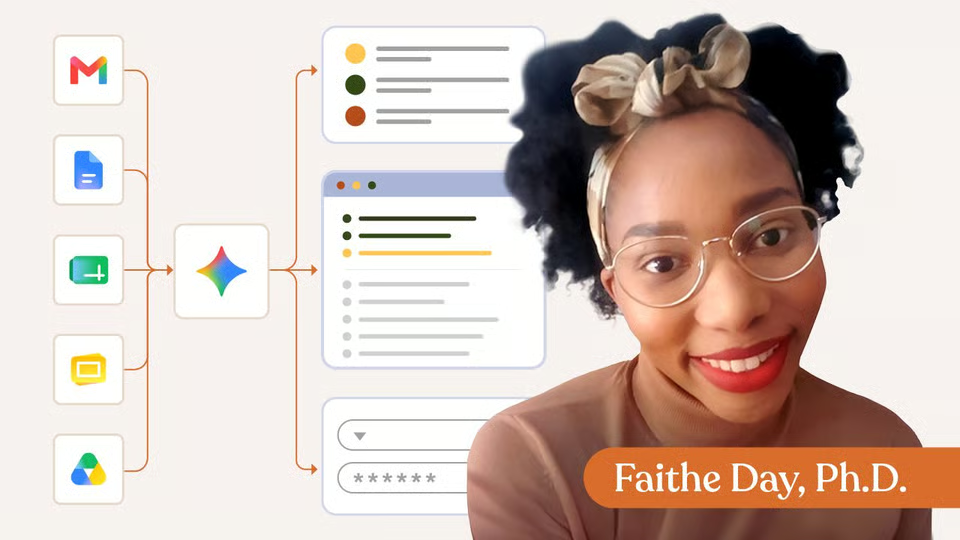
    See how Gemini fits into the tools you already use. This module walks through Gemini inside Docs, Sheets, Gmail, and Drive, showing how it can support real work, not just standalone prompts. You’ll practice using it across multiple apps to complete a task from start to finish.

    Show all 18 steps Hide the steps
    1. Working Across Tools
    2. Writing Inside Your Document
    3. Demonstration
    4. Try It Yourself
    5. Gemini in Google Sheets
    6. How Gemini Works in Sheets
    7. Demonstration
    8. Try It Yourself
    9. Gemini in Gmail
    10. How Gemini Works in Gmail
    11. Try It Yourself
    12. Gemini in Google Drive
    13. How Gemini Works in Drive
    14. Demonstration
    15. Try It Yourself
    16. Apply What You've Learned
    17. Exercise : Final Exercise
    18. Lesson Wrap-Up
  3. Gems & Extensions

    • 18 videos

    Learn how to customize Gemini for your workflows. You’ll explore Gems, build your first one, and connect Gemini to tools like YouTube, Maps, and Flights. The focus is on combining these features into simple, reusable workflows.

    Show all 18 steps Hide the steps
    1. From Prompts to Assistants
    2. What Are Persona Prompts?
    3. Demonstration
    4. Try It Yourself
    5. Creating Your First Gem
    6. How Gems are Structured
    7. Demonstration
    8. Try It Yourself
    9. Gemini Extensions
    10. Understanding Extensions
    11. Demonstration
    12. Try It Yourself
    13. Combining Gems and Extensions
    14. How They Work Together
    15. Demonstration
    16. Try It Yourself
    17. Show What You've Learned
    18. Lesson Wrap-Up
  4. Multimodal Capabilities

    • 19 videos

    Work with more than just text. This module shows how Gemini handles images, video, and audio—and how to combine them. You’ll practice analyzing content across formats to produce more complete, useful outputs.

    Show all 19 steps Hide the steps
    1. Beyond Text
    2. Understanding Images
    3. What Is Vision Analysis?
    4. Demonstration
    5. Try It Yourself
    6. Video Understanding
    7. What Is Video Understanding
    8. Demonstration
    9. Try It Yourself
    10. Audio & Podcast Analysis
    11. What Is Audio Analysis?
    12. Demonstration
    13. Try It Yourself
    14. Combining Modalities
    15. What Is Multimodal Analysis?
    16. Demonstration
    17. Try It Yourself
    18. Apply What You've Learned
    19. Lesson Wrap-Up
  5. Deep Research & Nano Banana

    • 17 videos
    • 1 exercise

    Go beyond quick answers into structured research. You’ll learn how Deep Research works, how to use the reports it generates, and how tools like Nano Banana and NotebookLM fit into the workflow. The goal is to help you turn complex topics into something usable for real decisions.

    Show all 18 steps Hide the steps
    1. Beyond Quick Answers
    2. What Is Deep Research?
    3. Demonstration
    4. Try It Yourself
    5. Using Your Deep Research Report
    6. What You Can Create
    7. Demonstration
    8. Try It Yourself
    9. What is Nano Banana?
    10. What Nano Banana Does
    11. Demonstration
    12. Try It Yourself
    13. What is Notebook LM?
    14. Demonstration
    15. Try It Yourself
    16. Show What You've Learned
    17. Wrap-Up
    18. Exercise : Final Exercise
  6. Certificate of Completion

    Outstanding work. Getting your arms around everything that Gemini's capable of means you're growing your abilities by finding new ways to get work done. Not to mention, you might be on your way to finding your new favorite AI tool.

    1. Certificate of completion

Your instructor

Faithe helps non-technical professionals understand AI without the jargon. Her lessons focus on practical workflows, clear explanations and building confidence with modern tools at work.

Questions about this course

How long is this course?

It's a full course of 5 lessons. Inside: 90 videos, 1 knowledge check, 3 exercises, downloadable notes and a certificate of completion.

Who teaches this course?

Faithe Day, Ph.D. Faithe helps non-technical professionals understand AI without the jargon. Her lessons focus on practical workflows, clear explanations and building confidence with modern tools at work.

Do I get a certificate?

Yes. Finish the course and you get a certificate of completion from The Neuron Academy.

Do I need to know how to code?

No. It's made for beginners, and like everything in the Academy it needs no coding or technical background.

How do I get access?

This course is included in a The Neuron Academy membership. Start with a 7-day free trial, then choose a monthly or yearly plan. Cancel anytime. New lessons are added every week.

The Neuron Academy

Learn AI the way you read The Neuron: short, practical, no hype.

  • 73 courses and lessons, with new ones every week
  • Guided paths for 5 goals, from first prompt to first agent
  • A certificate for every course you finish
  • No coding or technical background required
Start your 7-day free trial

7 days free, then a monthly or yearly plan. Cancel anytime.

Getting Started with Gemini

The Neuron Logo

Don't fall behind on AI. Get the AI trends & tools you need to know. Join 700,000+ professionals from top companies like Microsoft, Apple, Salesforce and more.

Property of TechnologyAdvice. © 2026 TechnologyAdvice. All Rights Reserved

Advertiser Disclosure: Some of the products that appear on this site are from companies from which TechnologyAdvice receives compensation. This compensation may impact how and where products appear on this site including, for example, the order in which they appear. TechnologyAdvice does not include all companies or all types of products available in the marketplace.

Stay in the loop

Get notified when we publish new articles.