

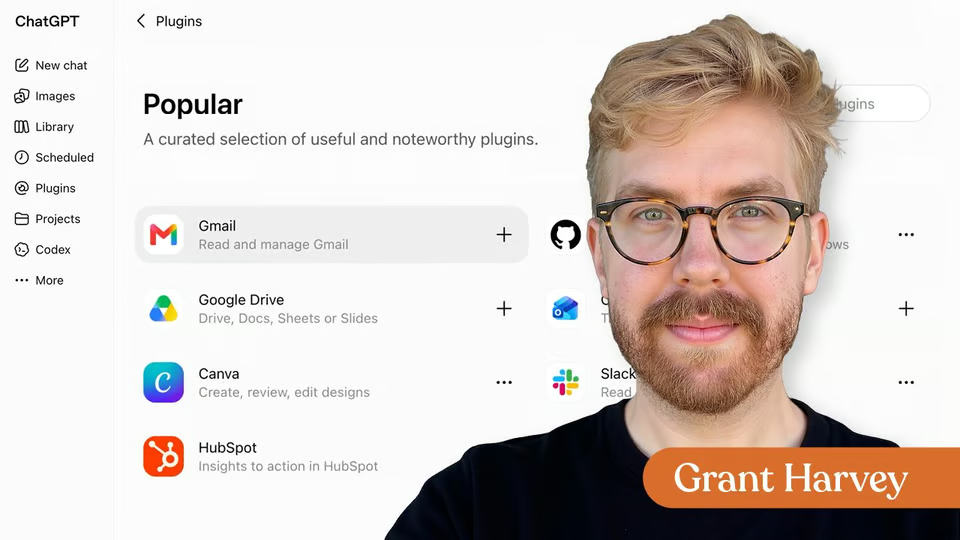
Lesson · 25 min
ChatGPT · Claude · Gemini
Connect AI to Your Tools with MCP
Learn how connectors and MCP give AI controlled access to the apps, data, and actions you use at work.
10 videos · notes · certificate
Grant Harvey
A request in Gmail may depend on a brief in Drive and end as a tracker in Sheets or a reply to a colleague. Moving those details between apps can become repetitive, especially when each request needs the same checks.
In this Quick Hit, follow one example from email to a reviewed follow-up plan. You’ll use Gemini to extract tasks, check details against a Google Doc, organize the result in Sheets, and prepare a Gmail reply. You’ll also get a five-field workflow template to adapt to your own work.
7 days free, then a monthly or yearly plan. Cancel anytime.

Taught by Faithe Day, Ph.D.
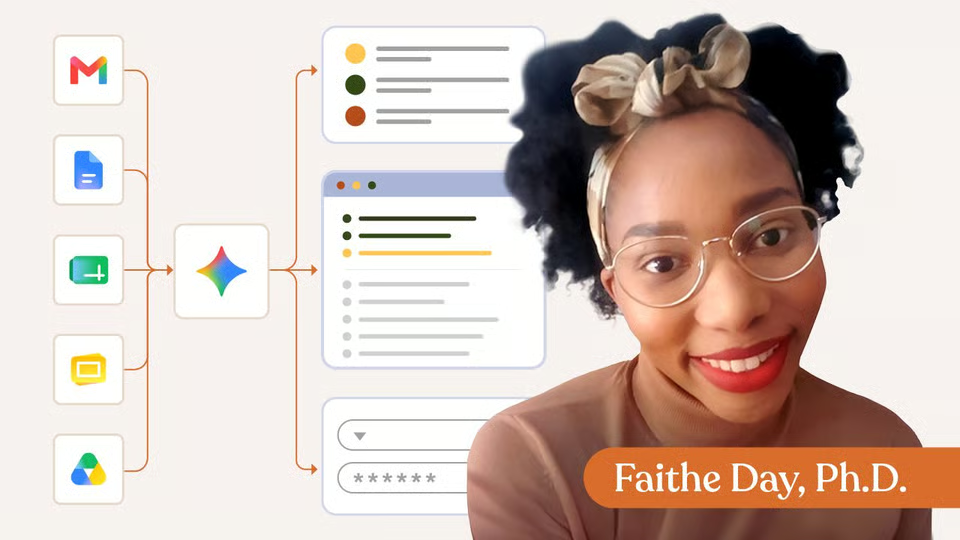
Curriculum
One mark for every step, in the order you take them. 7 videos, downloadable notes and a certificate of completion.
Turn a long Gmail request into a reviewed follow-up plan. Use Gemini to identify actions, check a Drive brief, organize results in Sheets, and prepare a reply.
Download the Lesson Notes for reusable prompts, authoritative links, and key points from the lesson.
Congratulations! You just built an AI-assisted workflow across Google Workspace. Your new superpower is turning information from Gmail and Drive into an organized output in Docs or Sheets, then checking the result before you share it or take the next action.
Your instructor
Faithe helps non-technical professionals understand AI without the jargon. Her lessons focus on practical workflows, clear explanations and building confidence with modern tools at work.
Tools covered
It runs 9 min. Inside: 7 videos, downloadable notes and a certificate of completion.
Faithe Day, Ph.D. Faithe helps non-technical professionals understand AI without the jargon. Her lessons focus on practical workflows, clear explanations and building confidence with modern tools at work.
Yes. Finish the lesson and you get a certificate of completion from The Neuron Academy.
No. Like everything in the Academy, it needs no coding or technical background.
This lesson is included in a The Neuron Academy membership. Start with a 7-day free trial, then choose a monthly or yearly plan. Cancel anytime. New lessons are added every week.
ChatGPT · Claude · Gemini
Learn how connectors and MCP give AI controlled access to the apps, data, and actions you use at work.
10 videos · notes · certificate
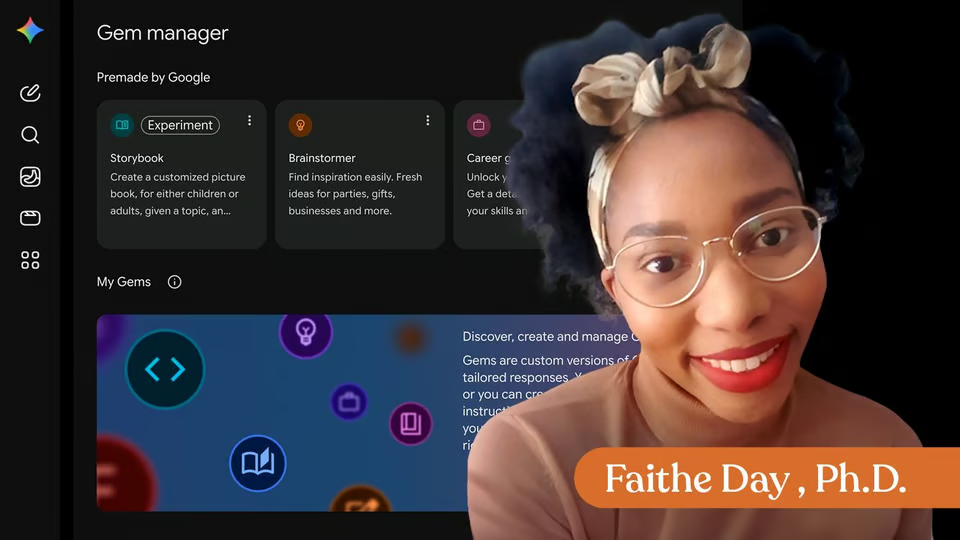
Gemini
Build a custom Google Gemini Gem for recurring workplace tasks, then test its instructions, knowledge use, boundaries, and sharing settings.
7 videos · notes · certificate
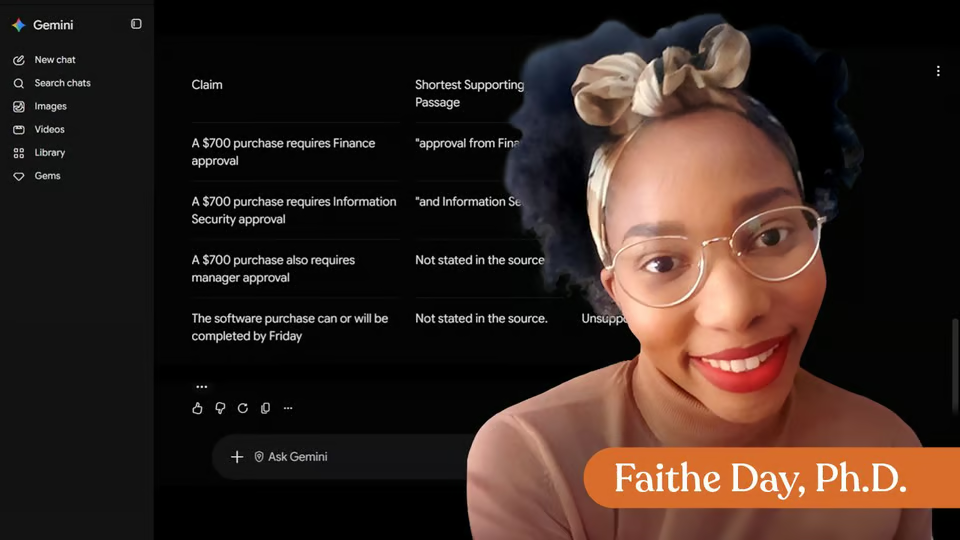
Gemini
Use Gemini to ground research, analyze information, control complex outputs, and build reusable workplace workflows with human review.
34 videos · 6 exercises · notes · certificate
The Neuron Academy
7 days free, then a monthly or yearly plan. Cancel anytime.

Build an AI Workflow in Google Workspace

Don't fall behind on AI. Get the AI trends & tools you need to know. Join 700,000+ professionals from top companies like Microsoft, Apple, Salesforce and more.
Property of TechnologyAdvice. © 2026 TechnologyAdvice. All Rights Reserved
Advertiser Disclosure: Some of the products that appear on this site are from companies from which TechnologyAdvice receives compensation. This compensation may impact how and where products appear on this site including, for example, the order in which they appear. TechnologyAdvice does not include all companies or all types of products available in the marketplace.
Stay in the loop
Get notified when we publish new articles.