

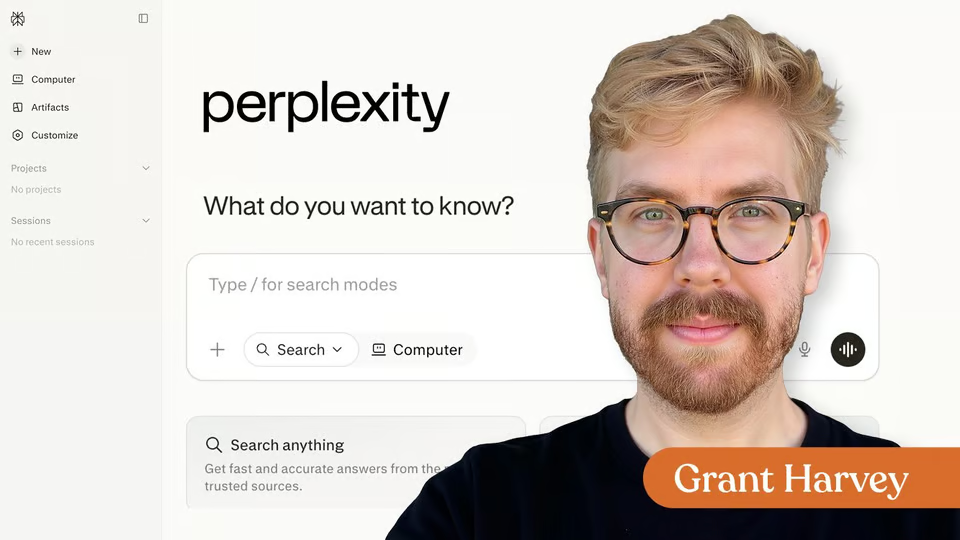
Full course · 6 lessons
Perplexity
Intro to Perplexity
Learn how to use Perplexity to analyze files, conduct deeper research, and turn your findings into useful work.
54 videos · 45 exercises · notes · certificate
Grant Harvey
Research moves faster when the answers come with sources—but speed only helps when you know how to question, verify, and use what you find. In this lesson, I’ll show you how to use Perplexity’s free plan as a practical research assistant rather than an answer machine.
You’ll build a repeatable research workflow that helps you:
7 days free, then a monthly or yearly plan. Cancel anytime.

Taught by Corey Noles
Ask focused research questions that produce more useful answers.Inspect citations and evaluate the quality of the original sources.Use follow-up prompts to explore competing ideas, limitations, and missing context.Organize your findings into notes, outlines, source lists, and research briefs.Verify important claims before using them in published work or business decisions.
Whether you’re researching an article, comparing products, investigating a market, or learning a new subject, you’ll gain a practical process for finding information faster without sacrificing accuracy, source quality, or your own judgment.
Curriculum
One mark for every step, in the order you take them. 1 video, 1 exercise and a certificate of completion.
Learn how to use Perplexity’s free plan to ask better research questions, evaluate sources, verify claims, and organize findings into useful notes and briefs—so you can work faster without sacrificing accuracy or judgment.
Excellent! Now you know how to select and use an AI browser to get real work done more quickly.
Your instructor
Corey co-hosts The Neuron’s weekly podcast and is Managing Editor of AI at TechnologyAdvice. He teaches practical AI workflows for real-world work.
Tools covered
It runs 8 min. Inside: 1 video, 1 exercise and a certificate of completion.
Corey Noles. Corey co-hosts The Neuron’s weekly podcast and is Managing Editor of AI at TechnologyAdvice. He teaches practical AI workflows for real-world work.
Yes. Finish the lesson and you get a certificate of completion from The Neuron Academy.
No. Like everything in the Academy, it needs no coding or technical background.
This lesson is included in a The Neuron Academy membership. Start with a 7-day free trial, then choose a monthly or yearly plan. Cancel anytime. New lessons are added every week.
Perplexity
Learn how to use Perplexity to analyze files, conduct deeper research, and turn your findings into useful work.
54 videos · 45 exercises · notes · certificate
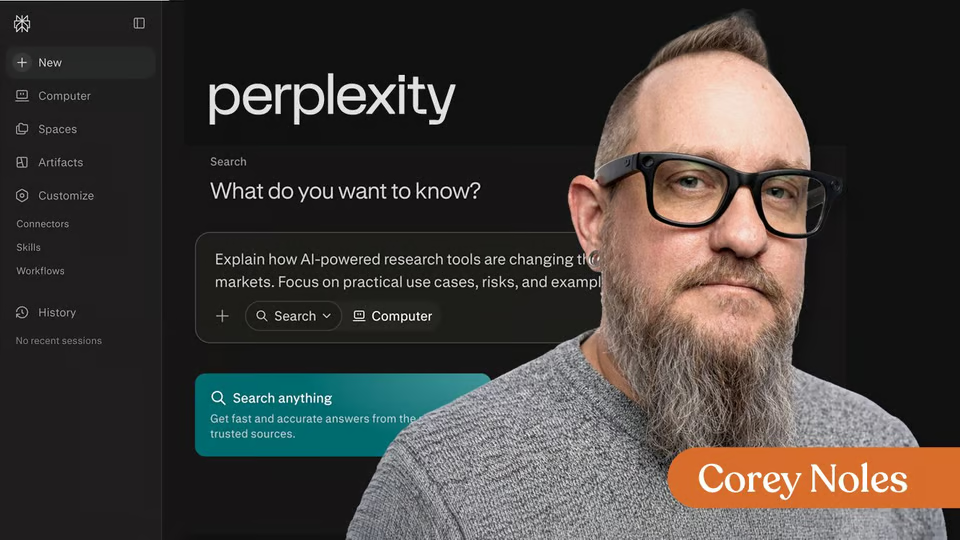
Perplexity
Learn how to use Perplexity’s free plan for AI-powered research, source discovery, citation checks, follow-up prompts, and better workflows.
1 video · 1 exercise · certificate
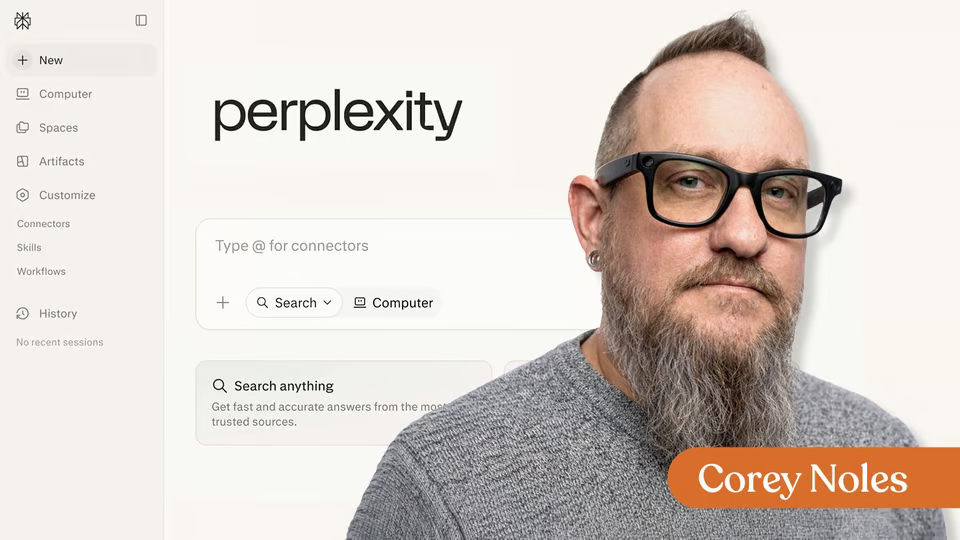
Perplexity
This beginner-friendly microlesson introduces Perplexity as a practical AI search tool for source-based research.
1 video · 1 exercise · certificate
The Neuron Academy
7 days free, then a monthly or yearly plan. Cancel anytime.

What is an AI Browser?

Don't fall behind on AI. Get the AI trends & tools you need to know. Join 700,000+ professionals from top companies like Microsoft, Apple, Salesforce and more.
Property of TechnologyAdvice. © 2026 TechnologyAdvice. All Rights Reserved
Advertiser Disclosure: Some of the products that appear on this site are from companies from which TechnologyAdvice receives compensation. This compensation may impact how and where products appear on this site including, for example, the order in which they appear. TechnologyAdvice does not include all companies or all types of products available in the marketplace.
Stay in the loop
Get notified when we publish new articles.