Related Topics
Articles
View All Hover to load posts


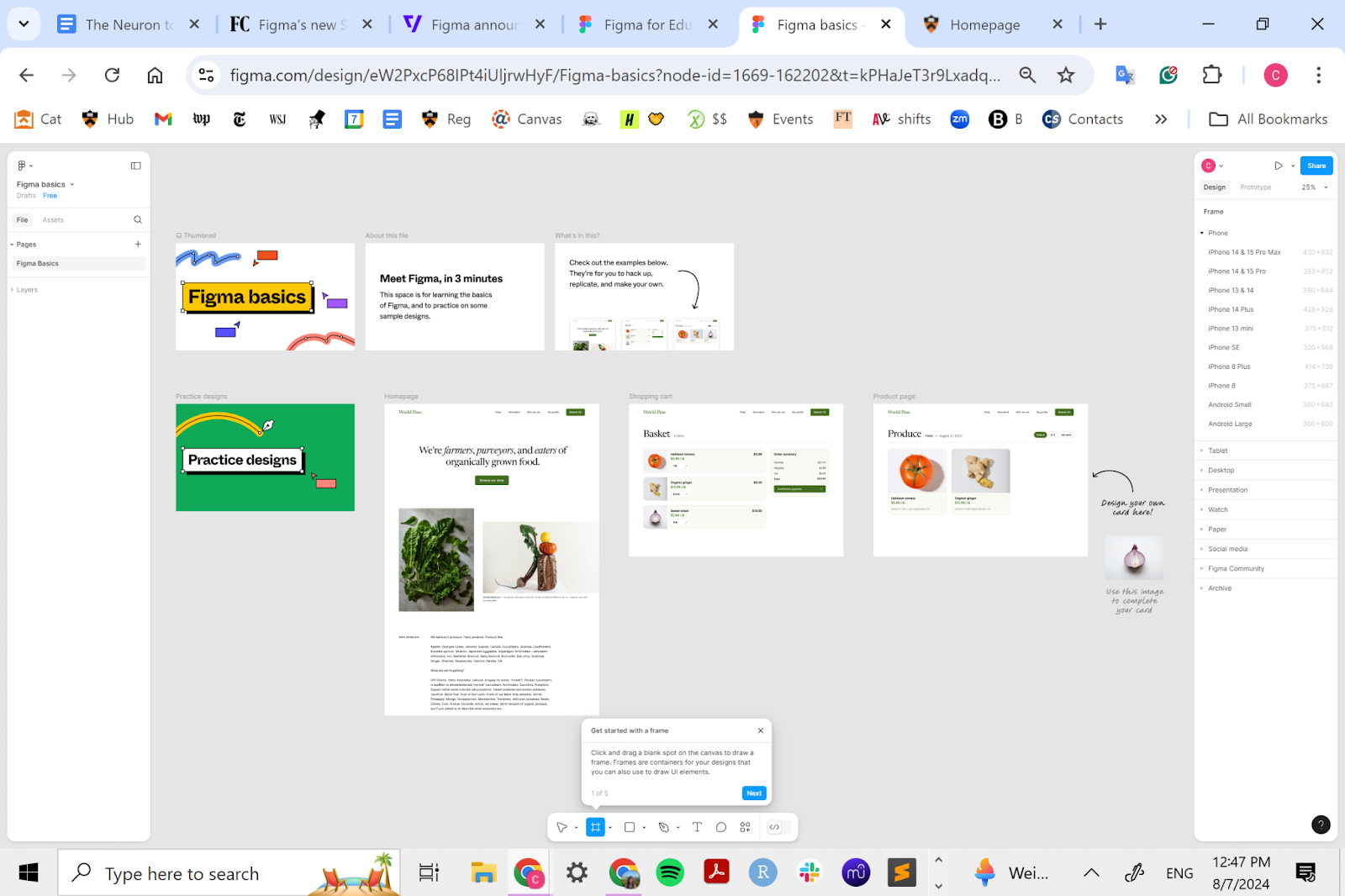
Figma in 2025 is an end‑to‑end product‑building OS. The new seat model unlocks every core tool, while AI add‑ons like Make and Sites push it beyond design into working prototypes and live sites. If you use Figma, use their new AI features. Price hikes sting—but the consolidated value per seat is hard to beat.
AI features are free while in beta; usage limits apply (paid pricing to follow GA)
Sketch – Vector-based design tool with native macOS performance, prototyping, and developer handoff—widely used for UI design in Mac-centric teams.
Adobe XD – UX/UI design and prototyping tool with coediting, responsive layout, and integration with Adobe Creative Cloud ecosystem.
Framer – Visual web builder and design tool with high-fidelity prototyping and built-in hosting—ideal for creating real, responsive websites from design.
Webflow – No-code platform for designing and launching production-grade websites; includes CMS, animations, and developer-level controls.
Canva – Collaborative design suite for marketing, social, and branding content—includes Magic Studio AI tools and supports presentations, whiteboarding, and websites.
Product designers & developers needing seamless handoff. Marketing / brand teams producing decks, banners, and site content. Start‑ups & enterprises seeking centralized design + prototyping + AI generation.
Figma in 2025 is an end‑to‑end product‑building OS. The new seat model unlocks every core tool, while AI add‑ons like Make and Sites push it beyond design into working prototypes and live sites. If you use Figma, use their new AI features. Price hikes sting—but the consolidated value per seat is hard to beat.
View seats remain free across tiers for comment-only roles.

Don't fall behind on AI. Get the AI trends & tools you need to know. Join 700,000+ professionals from top companies like Microsoft, Apple, Salesforce and more.
Property of TechnologyAdvice. © 2026 TechnologyAdvice. All Rights Reserved
Advertiser Disclosure: Some of the products that appear on this site are from companies from which TechnologyAdvice receives compensation. This compensation may impact how and where products appear on this site including, for example, the order in which they appear. TechnologyAdvice does not include all companies or all types of products available in the marketplace.
Stay in the loop
Get notified when we publish new articles.