


Hey Y'all.
Grant here with a special weekend edition of The Neuron (web).
Every weekday, we find a TON of stuff that we just can't fit in the normal newsletter.
Some of it is super interesting, but might be more niche.
Others are important, but not urgent.
And others are pretty technical, so hard to explain without taking up too many words (tryna spare your inbox here; we know we've been sending a lot lately).
So we thought: why not put together a weekend round-up of all the links that couldn't fit in the typical weekday edition?
In that spirit, here's a round-up of links, then below we'll share some personal tips on how we use AI:
Just skim through this stuff and see what's interesting to ya!
Papers
- DAIR.AI shared data from Perplexity on uneven real-world agent adoption (paper).
- Elvis shared a paper from Google & MIT on when multi-agent systems help or hurt (paper).
- AK on self-improving VLM judges (paper).
- Loubna Ben Allal’s LLM training blueprint.
- Percy Liang shared how IBM's Granite 3.3 is one of the most transparent AI models in the industry (full report)... and that open weights does not equal transparent, as shown by the Foundation Model Transpareny Index.
- Zach Mueller shared his Transformers + MoE learning syllabus (so all the papers he's going to study to learn this industry as a beginner).
- Micah Goldblum on gradient-based planning with world models (paper, Github).
- Not a paper, but: Håvard Ihle shared DeepSeek v3.2-Exp's performance on WeirdML, which tests if models can solve unusual ML tasks by writing working PyTorch code, debugging it based on feedback, and optimizing under real GPU/time constraints (he's since updated the benchmark with GPT "5.2 (xhigh)" as well).
Tools
- Linus shared Pomelli from Google Labs as a much slept-on tool for creating brand-aware marketing assets.
- Serval for IT workflow automations.
- Claude-mem for persistent Claude Code context.
- Perplexity Enterprise's Gunderson legal case study (showing Perplexity for law).
- Medra for robotic drug-discovery labs.
- Meshy 6 Preview for higher-quality 3D textures and rigging (tutorial vids on how to use, try it here).
- Board for hybrid physical-digital tabletop gaming.
- Madison Faulkner highlighted a few head-to-head match-ups between niche (but important) AI use-cases and the startups tackling them:
- 1. Cusp AI vs Periodic Labs
- Cusp AI uses generative AI and simulations to design breakthrough materials like carbon-capture filters in months instead of years—you specify the properties you need, and it generates the chemical formula (raised $130M).
- Periodic Labs builds autonomous robotic labs where AI scientists physically experiment with materials to discover superconductors and other breakthroughs (raised $300M).
- How they differ: Cusp searches for materials computationally through simulations, while Periodic Labs builds physical robotic labs that actually mix, heat, and test materials through real-world experiments.
- 2. Axiom vs Harmonic
- Axiom translates math problems from English into formal proofs that can be verified for 100% accuracy—useful for finance, chip design, and research (raised $64M).
- Harmonic achieved gold medal performance on the International Math Olympiad and launched Aristotle, a mobile app where you can ask math questions and get hallucination-free answers (raised $295M).
- How they differ: Axiom focuses on business applications like quant trading and chip verification with a B2B model, while Harmonic launched a consumer iOS app and emphasizes solving olympiad-level problems.
- 3. Factory vs Cognition
- Factory gives you AI "Droids" that handle routine dev tasks like code reviews, debugging, and migrations across your existing tools (raised $70M).
- Cognition built Devin, which handles entire software projects end-to-end—you describe what you want built and it plans, codes, debugs, and deploys autonomously, and just acquired Windsurf's agentic IDE (raised $596M, now valued at $10.2B).
- 4. Cartesia vs ElevenLabs
- Cartesia delivers voice AI with 90ms latency for real-time conversations, including natural laughter and emotion (raised $186M).
- ElevenLabs powers dubbing, voice cloning, audiobooks, and voice agents across 70+ languages—you can translate content while preserving the original speaker's voice and emotion (raised $260M).
- How they differ: Cartesia optimizes for speed with the lowest latency for real-time voice conversations, while ElevenLabs offers a full-stack platform covering TTS, dubbing, voice agents, and multilingual content creation.
- 1. Cusp AI vs Periodic Labs
Takes
- Ethan Mollick’s GDPval “tasks not jobs” thread.
- Shane Legg’s 50% AGI-by-2028 forecast.
- Jen Zhu on utility vs spectacle in robotics.
- Aleksandr Gampel’s Cuby micro-factories thread.
- Victoria Framer highlighting Shopify's "mind-breaking" 3D-heavy marketing UX.
- E. Borgnia shared how search can take up 50% of your tokens if not using a tool like the one they're building (it's a good point; here's the docs on how to use it).
- François Chollet on how today's models have now saturated the first version of his ARC-AGI test (meant to test their ability to adapt to novelty, i.e. genuine fluid intelligence) via test time compute (running for longer, to put it simply), so the next key test is #1 can future models reach human-level efficiency, and #2 can future models overcome the bottlenecks of "eploration, goal-setting, and interactive planning" via the ARC 3 test in 2026.
This full section of his post is good context, so including it below:
While ARC 1 is now saturating, SotA models are not yet human-level on an efficiency basis. Meanwhile ARC 2 remains largely unsaturated, showing these models are still operating far below the upper bound of human-level fluid intelligence. We're still only at a fraction of what a human mind is capable of in a single sitting with no external tooling (a level which is itself significantly above a full score on ARC 2), so there's more work to be done.And as we get closer to AGI, the challenge goes beyond fluid intelligence. The new bottlenecks are exploration, goal-setting, and interactive planning. We are releasing ARC 3 in Q1 2026 to target exactly this. It's time to trigger a new class of breakthroughs.
Tips
Many more down below; here's a handful of random ones.
- Hidden honeypot fields are still a great way to catch bots on your website.
- An upscaler that's so good it feels like it should be illegal (workflow, sample image, custom comfy node, GitHub, additional "imagelist_from_dir" node).
- Not financial advice but... (code, prompts)
- I've now heard of both Claude CLI and Google CLI deleting home directories... be careful out there y'all.
- Here is a Claude Code Cheat Sheet if you're using this bad boy.
- Try the "Anti-YOLO Method"—Brainstorm → ASCII wireframe → Plan (Shift+Tab+Tab) → Test → Ship.
- Skip the prompt → debug → repeat loop. Instead, make Claude draw ASCII art mockups first (fast iterations, minimal tokens), use plan mode, and have Claude ask you clarifying questions before writing any code.
- Our favorite insight: Claude loses focus after task 5. Stop dumping 20+ tasks at once. Break work into 3-5 chunks and ship faster with fewer rewrites.
Memes
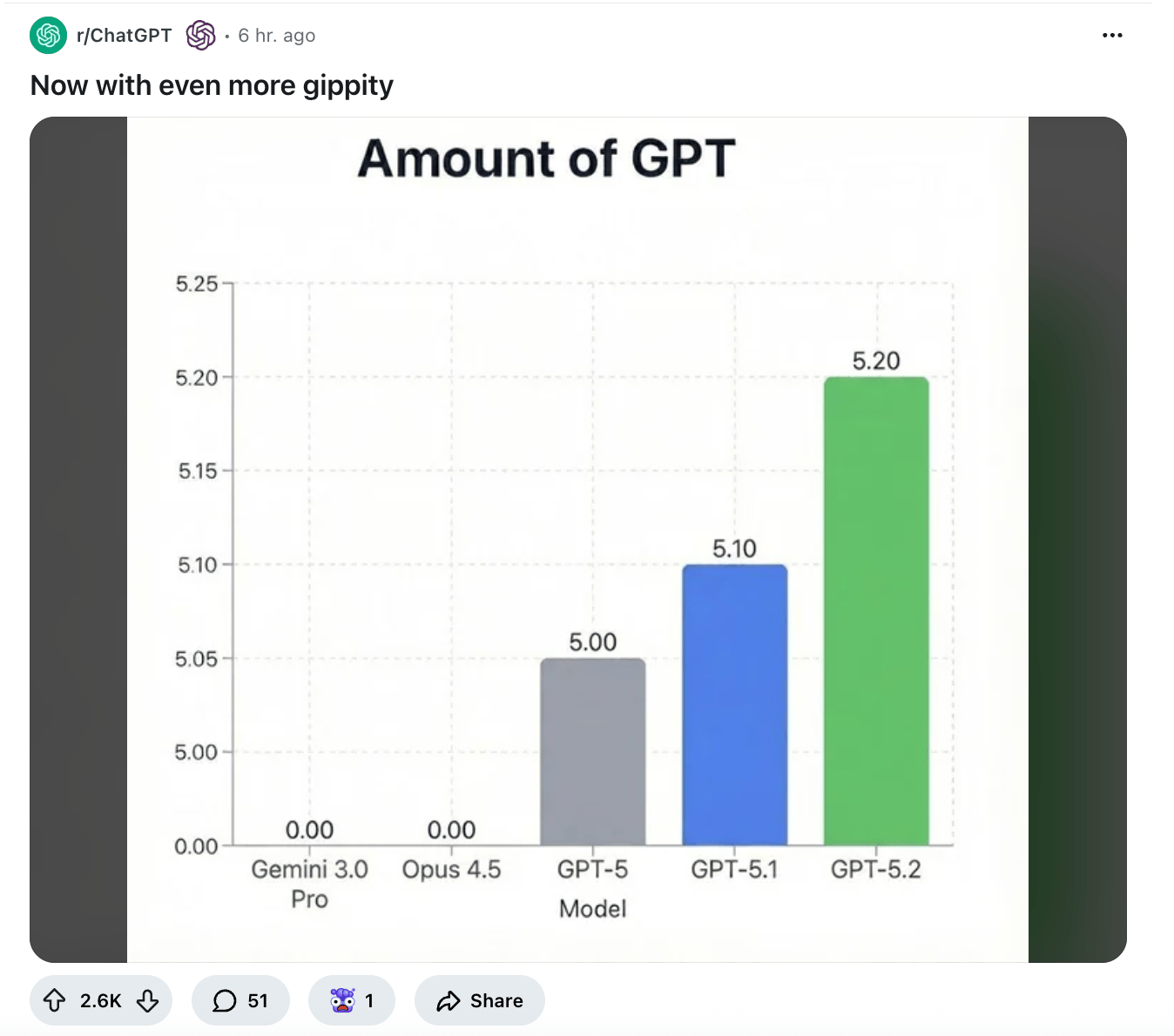
Now with More Yippity in your Gippity!
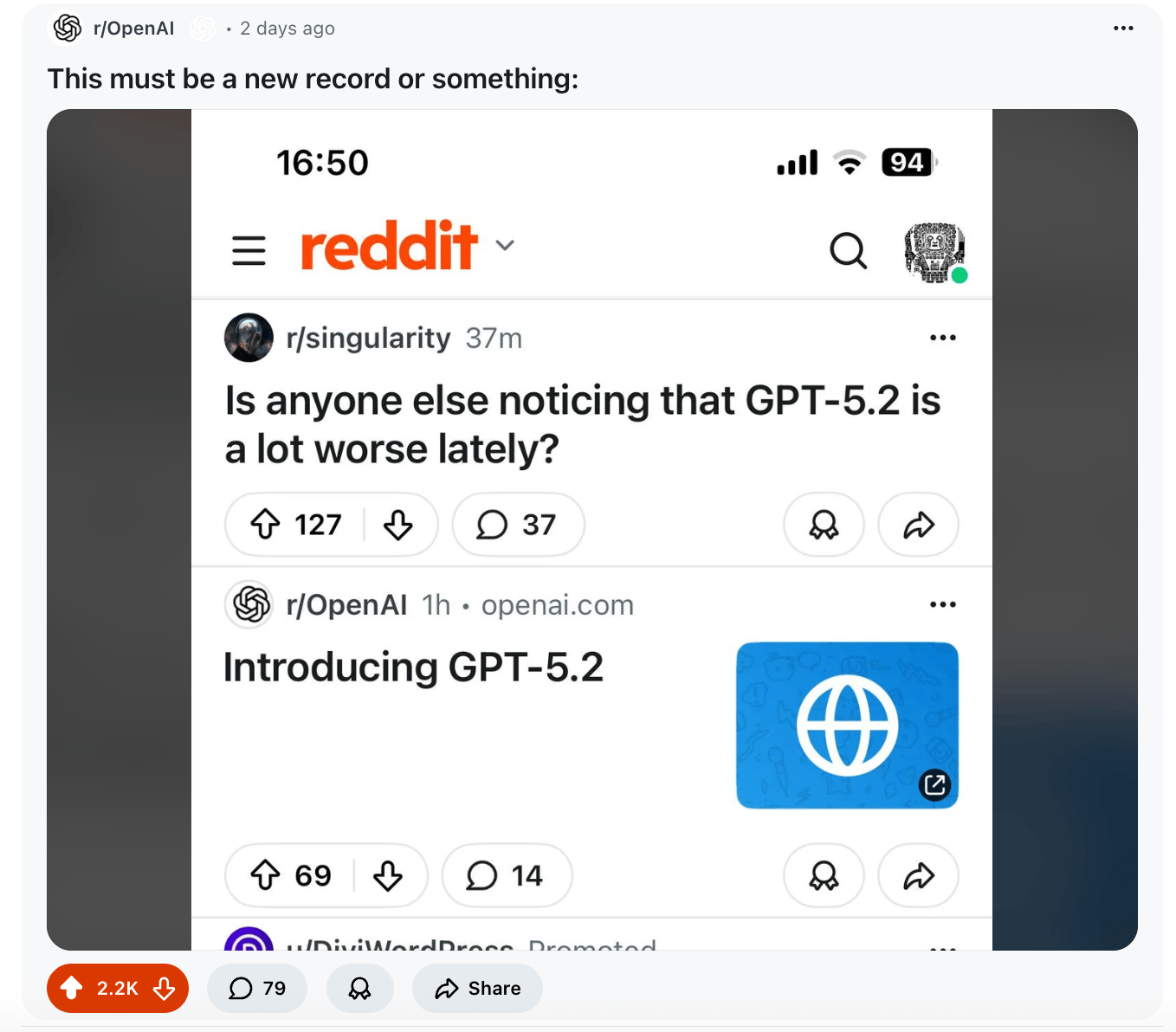
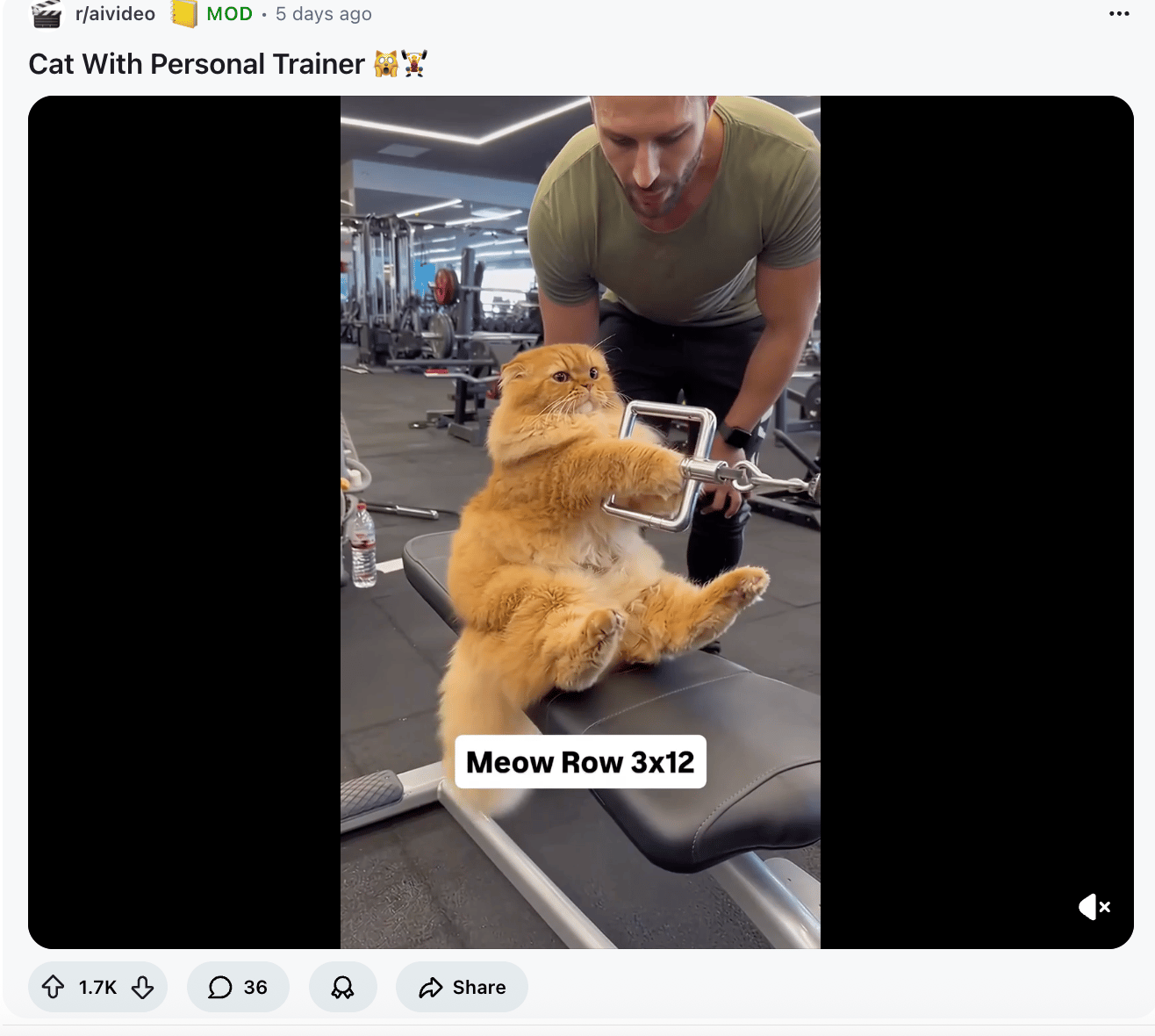
Me trying to up my ML skills every weekend to one day get a Meta paycheck
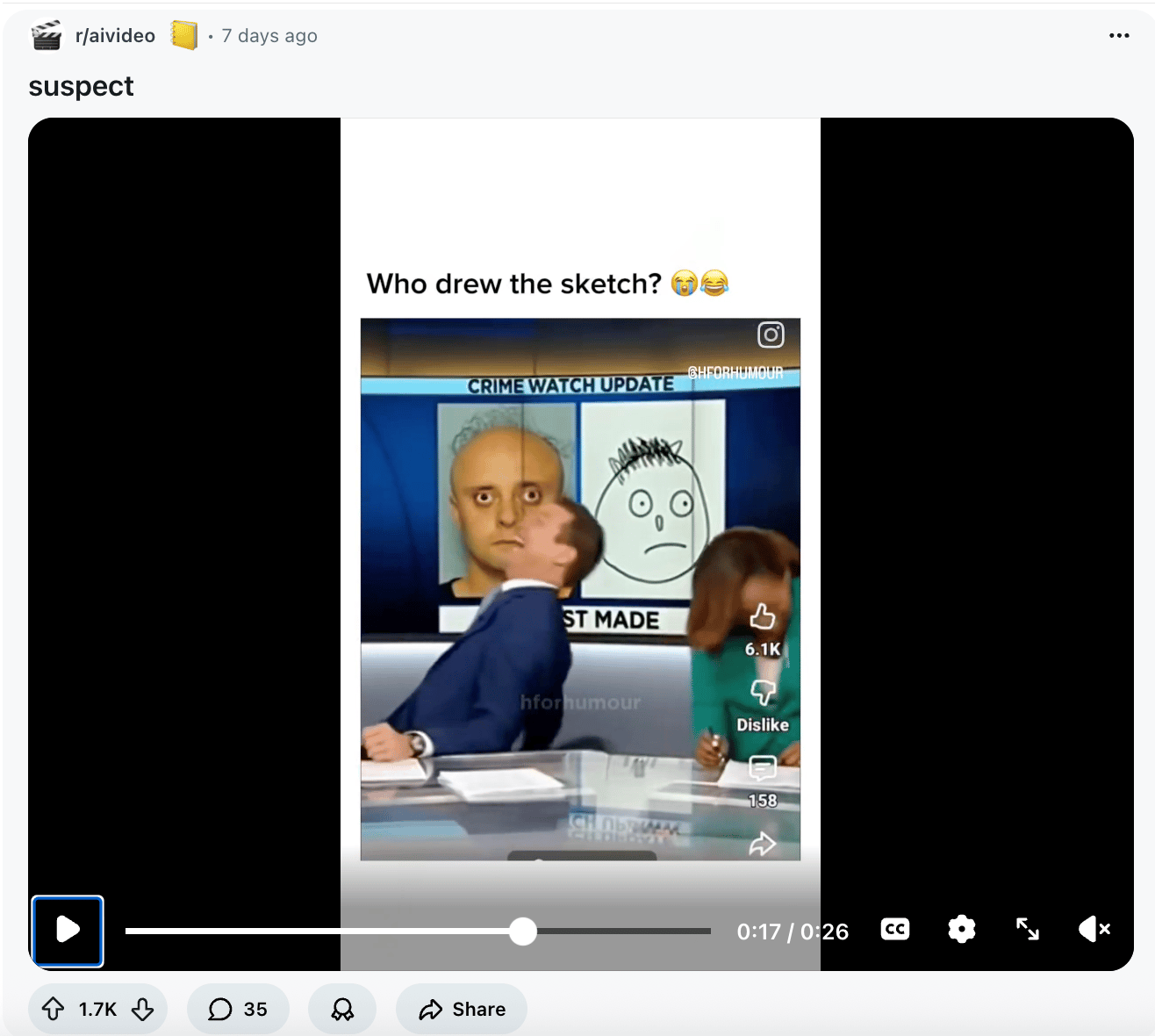
So good!
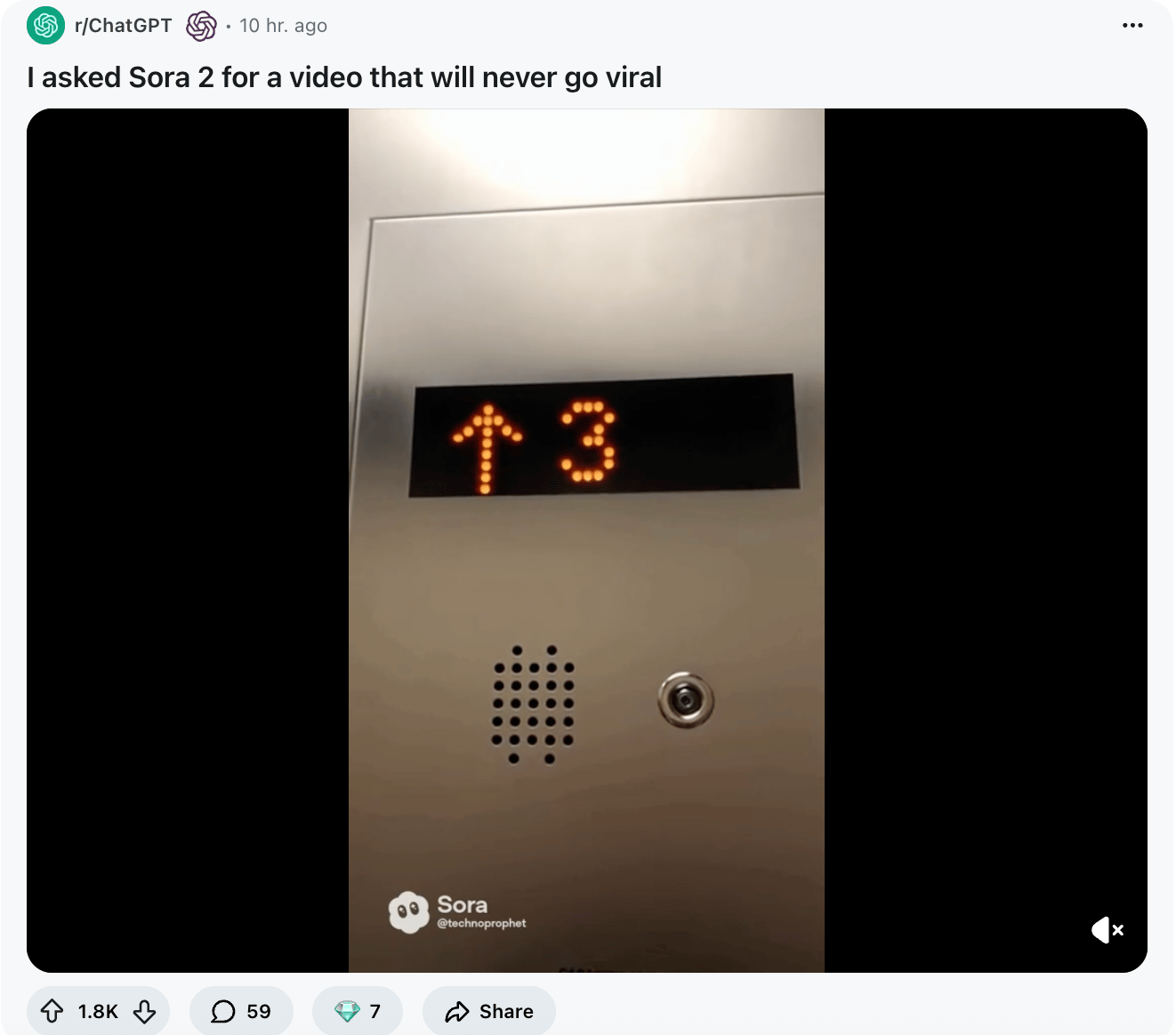
It delivered.
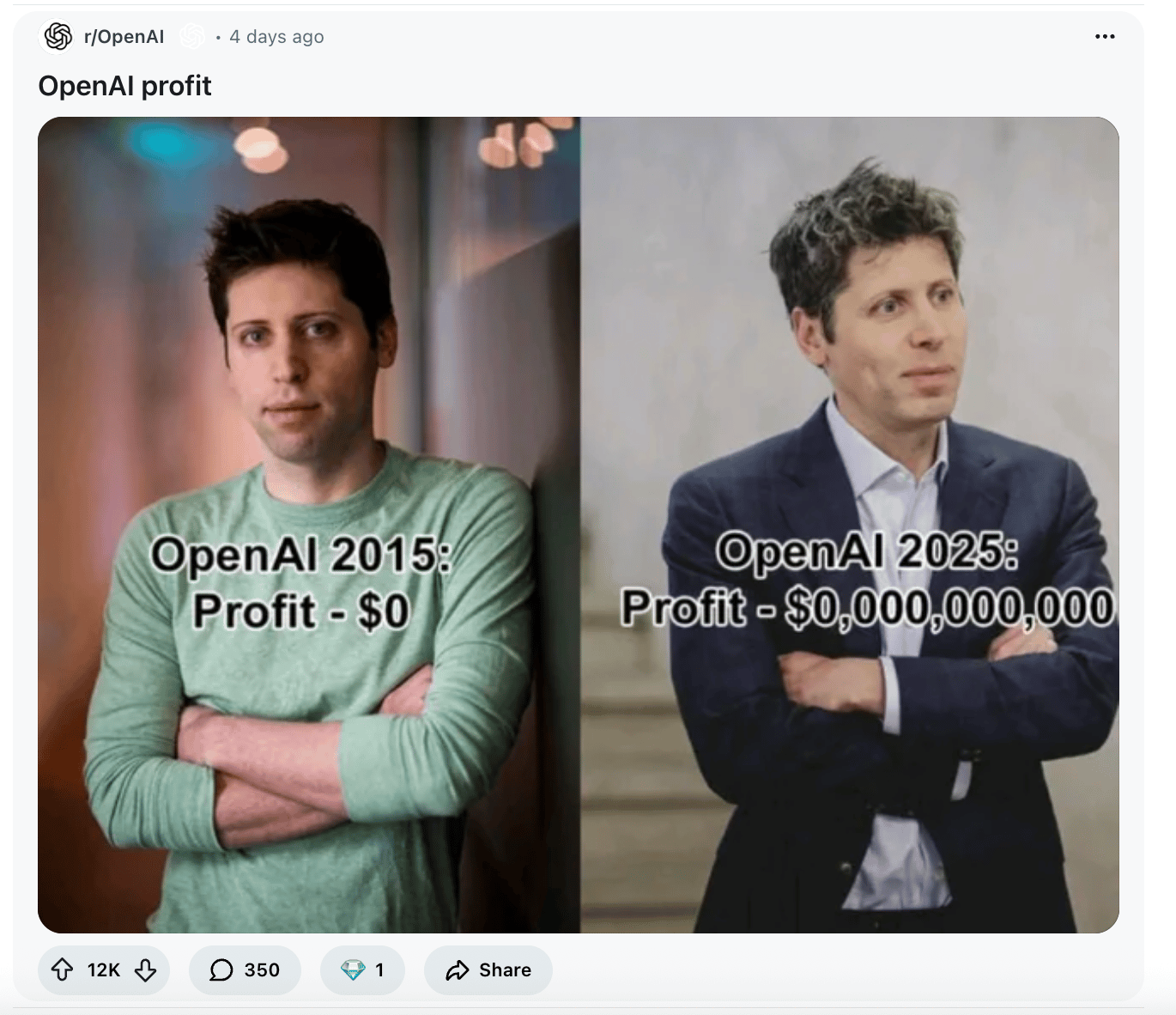
This is funny, but not entirely accurate; OpenAI is generating billions in revenue, it's just spending "well more" than that. Also, another post but comparing to Gemini here.
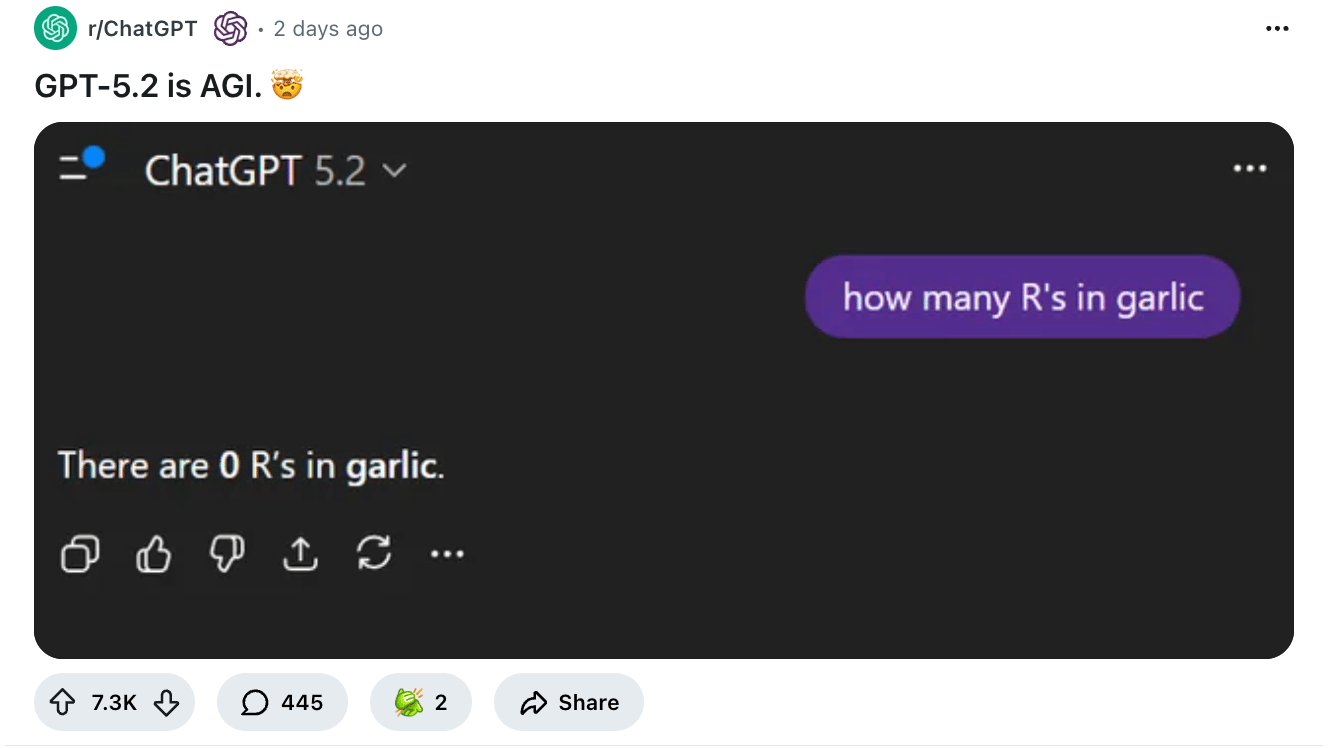
Do you get it??
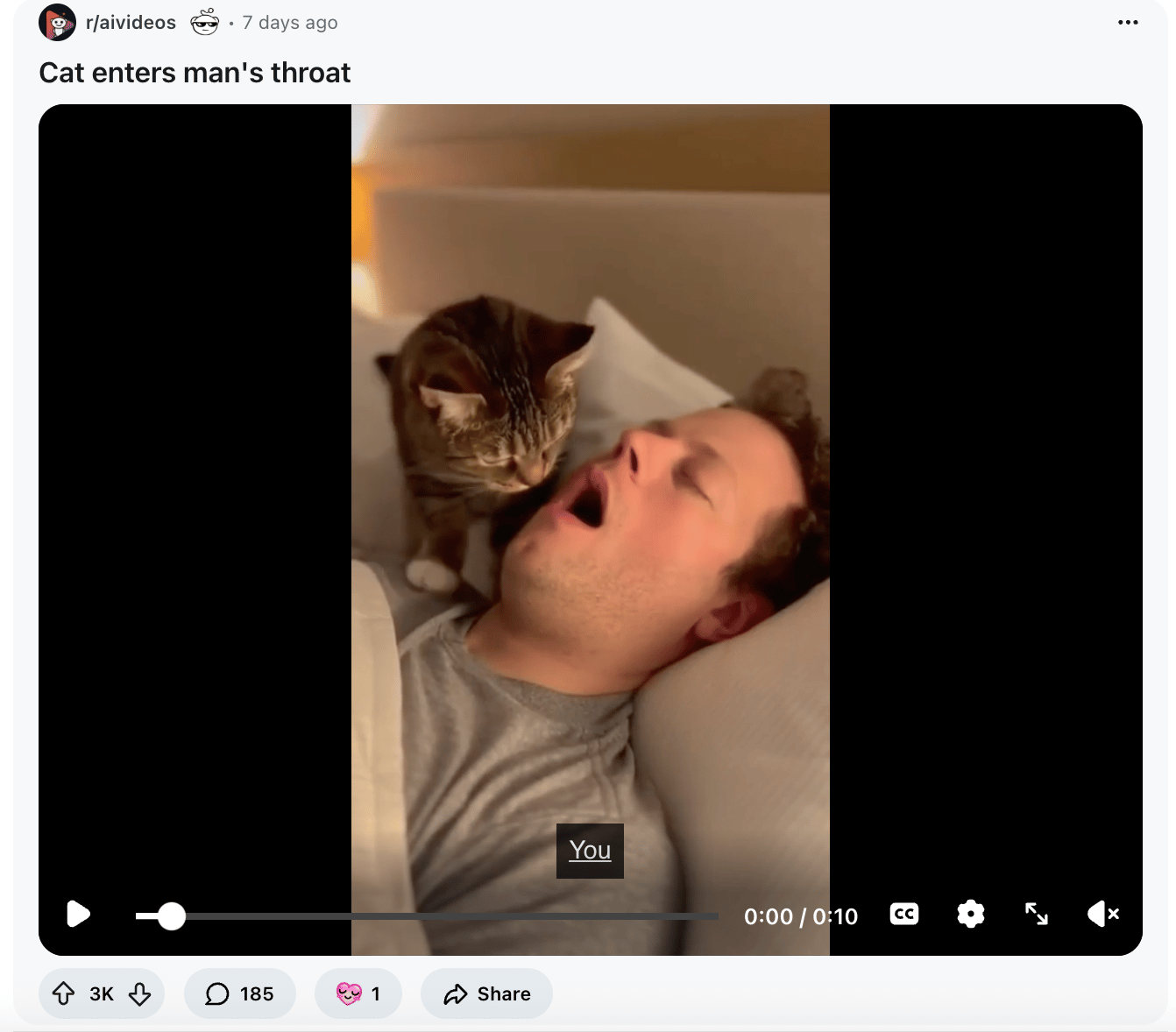
TBH idk if you wanna watch this... but here it is in case you do.
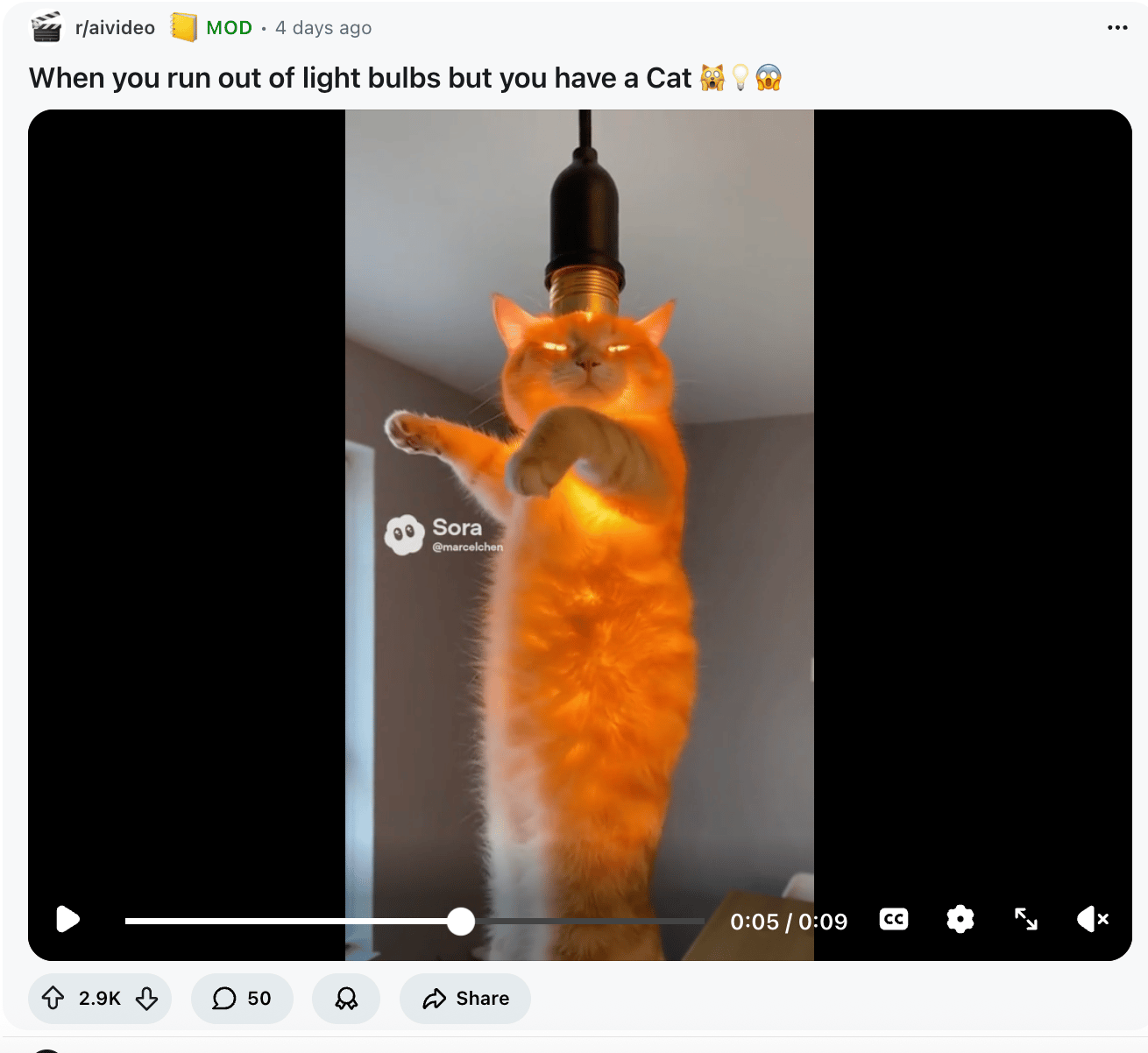
Me when channeling Karpathy ghosts to code
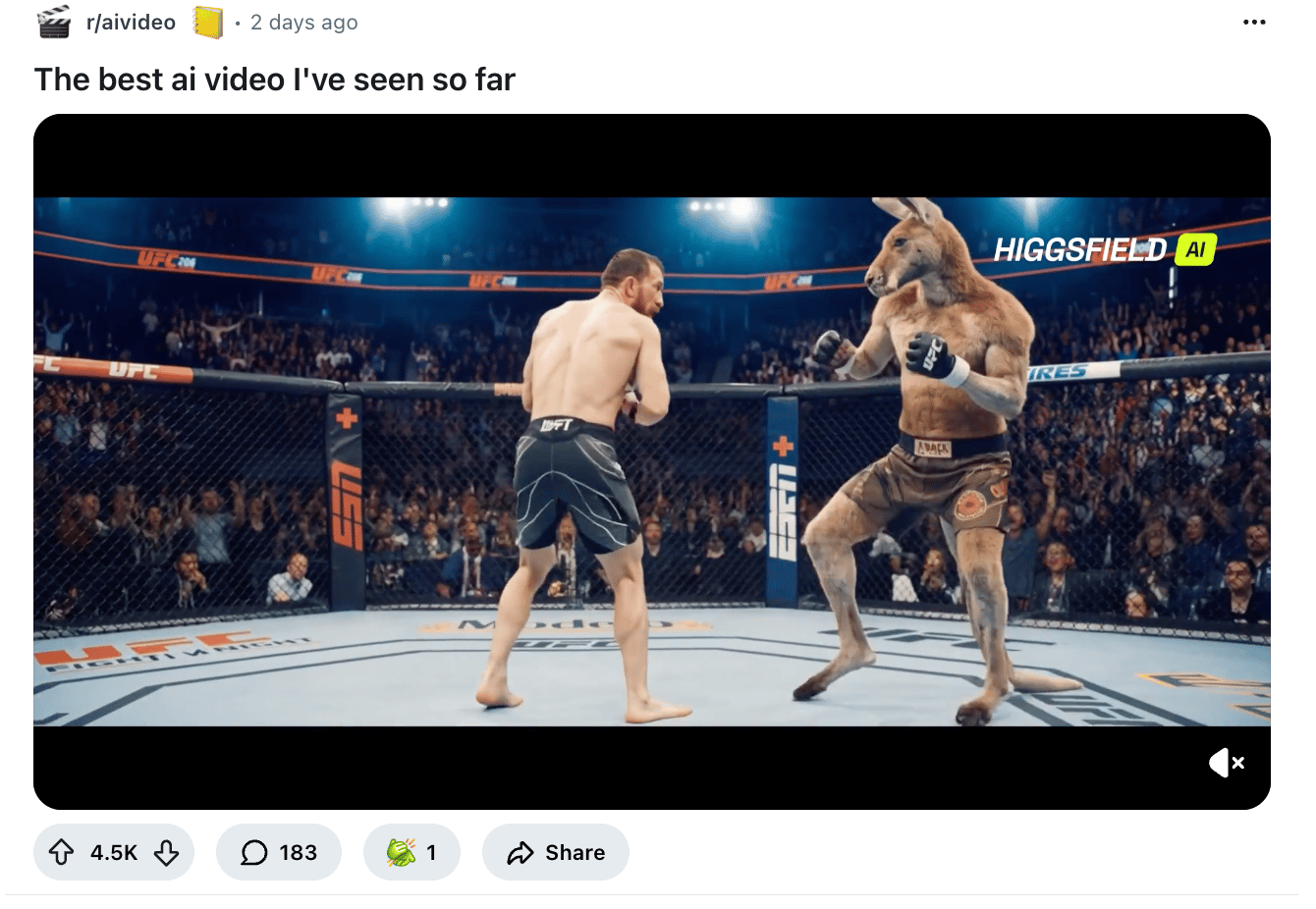
BETTER THAN IT HAS ANY RIGHT TO BE!!!
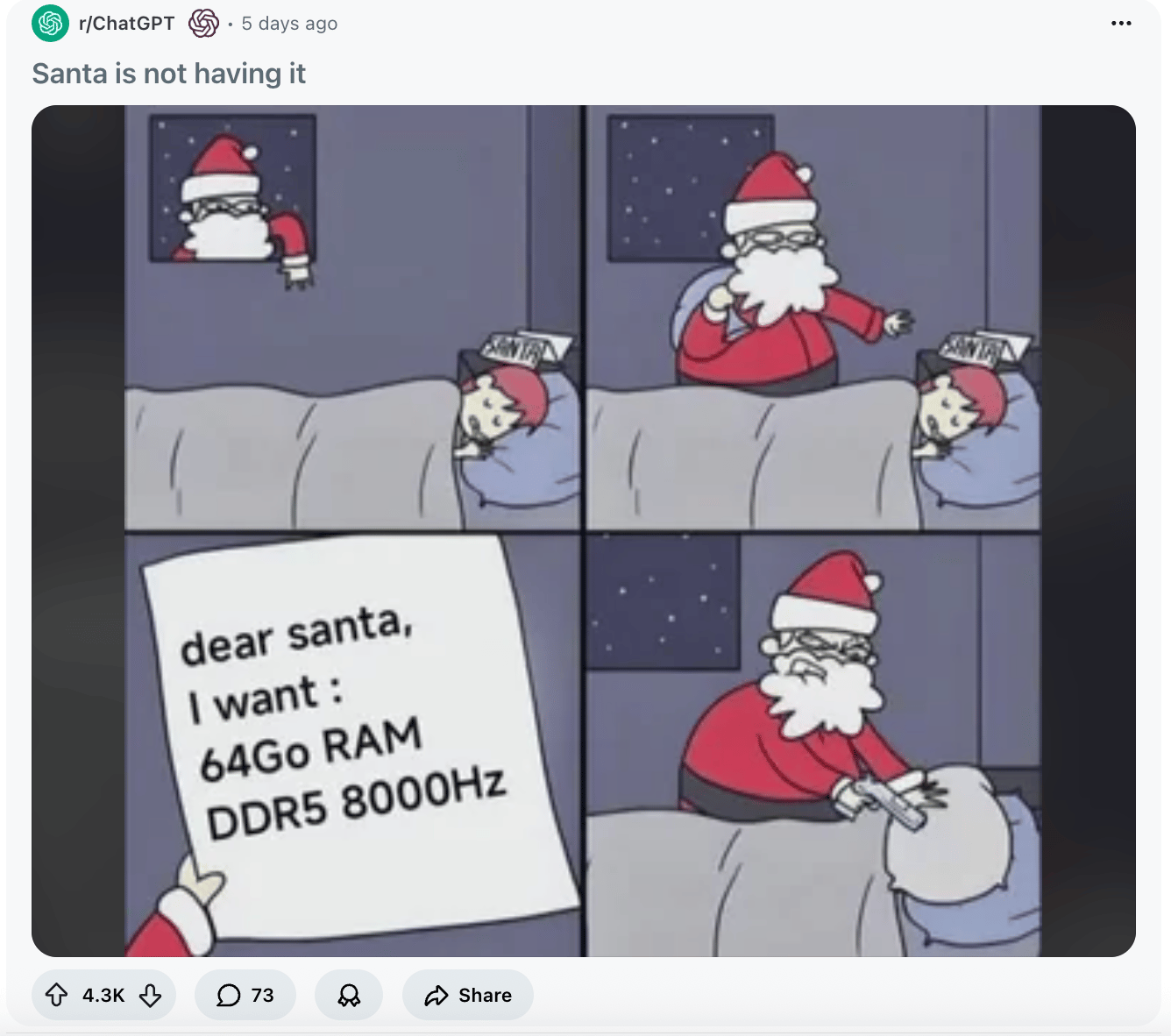
Anybody got a spare zoom zoom machine??
How I Actually Use AI: A Behind-the-Scenes Look
Real projects, real prompts, real results.
People always ask me how I "actually" use AI beyond the typical ChatGPT conversations. So here's the honest answer: I use it constantly, for everything from comedy videos to Chrome extensions to executive presentations (and that's just some stuff I've done in the past week or so!)
Here's how.
Before we begin: A framework to follow
I want to share something specific that I don't think we say enough: when I first start out trying to accomplish any new task, I don't use an "optimized prompt."
Why? Because atm, I have a pretty good sense of what the AI can do and what it can't, so I can usually steer it in the direction I want to go with just asking for what I want and giving it the context it needs (links to fetch context, full text pasted, any tools / connectors required, specific instructions and must do's / don'ts) just by typing it all out.
After I do that first "minimum viable attempt", and judge the results, I then decide whether or not I need to come in guns blazing with a fully optimized prompt, or if i can work inside the chat to massage what I want.
If I don't know exactly how to prompt something to get the best results, that's when I'll ask the AI to "use the most up to date prompt advice for [model] [task] as of [today's date] via web search to write a fully optimized prompt." So some of the examples below are me doing just that; asking the AI to optimize the prompts for me (which helps!).
But if you need something specific, that only you really know how to do, you need to dump as much context (instructions, docs, etc) into the task upfront in order to get it to really understand what you need.
Then, for recurring tasks I've done before, I turn those into "project / custom instructions" that I attached to a project folder, so anytime I need to do that task again, I can just dump the content to work with into the chat window of the project, and boom. It'll know what to do without me re-prompting it.
Now, with that out of the way, here's some real-world examples of stuff I've prompted recently!
Video Generation
The Project: Creating AI-themed comedy content and satirical videos
I've been deep in Sora 2 lately, and frankly I'm real bad at it. The key insight here is that video prompting is completely different from text or image prompting. You need to think cinematically.
Prompt snippet:
Cinematic close-up shot of a stressed CEO in a corner office,late afternoon golden hour lighting streaming through floor-to-ceilingwindows. Shot on Arri Alexa, shallow depth of field. The CEO slowlyrealizes their entire strategy deck was written by AI. Slow push-inon their expression of existential dread.
Prompt tip: For video, always specify: (1) camera movement, (2) lighting conditions, (3) shot type, and (4) the emotional arc. Sora needs cinematographic language, not just scene descriptions.
The iteration process matters too. My first attempt at the Real Housewives parody about geopolitics was too subtle. Second attempt: "Reality TV confessional style, direct to camera, overly dramatic music sting when mentioning 'tariffs,' cut to wide shot of table flip." Much better.
Building Interactive Web Apps for Complex Concepts
The Project: Creating an ocean wave physics simulator and neural network visualizer
When I needed to explain complex AI architectures to our audience, I built some prompts alongside AI on how best to test the AI's capabilities.
Prompt snippet:
Build a React component that visualizes a neural network with animatedforward propagation. Use Three.js for 3D rendering. Each layer should berepresented as a plane of nodes, with connections that light up as dataflows through. Include controls to adjust learning rate and watch thenetwork train in real-time. Use Tailwind for minimal UI controls.
Prompt tip: When building interactive elements, specify the exact libraries and styling approach upfront. Claude works much better when you give it architectural constraints rather than leaving everything open-ended.
For technical projects, I always follow this pattern:
- First prompt: Get the core functionality working
- Second prompt: "Now add error handling and edge cases"
- Third prompt: "Polish the UI and add micro-interactions"
Chrome Extensions for Daily Productivity
The Project: Auto-resizing images and workflow automation
I've started using Nano Banana for making YouTube thumbnails, but the images that Nano Banan gives me are massive. so I built a Chrome extension that does it automatically, directly in my browser.
Prompt snippet:
Create a Chrome extension that detects when I'm on an image URL andadds a floating toolbar with resize options: Twitter (1200x675),Instagram (1080x1080), Newsletter (1200x800). When clicked, open theresized image in a new tab. Use manifest V3. Include icons for eachplatform.
Prompt tip: For Chrome extensions, always specify Manifest V3 (V2 is deprecated). And break complex extensions into multiple files rather than trying to cram everything into one prompt.
Executive Presentations That Don't Look AI-Generated
The Project: Creating AI ROI presentations for C-suite executives
This is where most people's AI-generated decks fall apart—they look obviously AI-made. Here's my approach:
Prompt snippet:
Create a PowerPoint slide deck about AI ROI for healthcare executives.Design requirements:- Clean, professional aesthetic (think McKinsey, not startup pitch)- Each slide: one core insight, minimal text (max 15 words)- Use data visualization over bullet points- Color palette: navy, white, one accent color- Include speaker notes with supporting statisticsContent structure:1. The Real Cost: Beyond the Sticker Price2. Three ROI Metrics That Actually Matter3. Case Study: [Specific Example]4. Implementation Roadmap
Prompt tip: The secret to professional presentations is constraints. Specify the design philosophy, word limits, and exact structure. Also, always ask for speaker notes—that's where the real substance lives.
Also, I'd add a step before you create the deck where you research the content that will go in the presentation, and share that with the Ai as the "brief" with which to work from.
Content Research and Analysis at Scale
The Project: Fact-checking industry claims and analyzing AI economics
When Ed Zitron published his AI bubble arguments, I wanted to verify every claim. Manual research would have taken days (you write a lot, Ed. I'm not mad about it though!)
Prompt snippet:
You're a financial analyst fact-checking claims about OpenAI's economics.For each statement below, find primary sources (SEC filings, officialannouncements, court documents). Separate confirmed facts from speculation.Claims to verify:1. "OpenAI lost $5 billion in 2024"2. "Their compute costs are unsustainable"3. [etc.]For each: provide the source, exact quote, date, and your confidence level.
Prompt tip: When doing research, ask the AI to cite its confidence level and distinguish between primary sources and secondary reporting. This creates a natural check on hallucination. But then keep in mind, you have to go in and verify each claim manually too.
YouTube Content Optimization
The Project: Calculating monetization metrics and scaling strategies
I needed to reverse-engineer how to reach specific revenue goals on YouTube. Here's what I asked:
Prompt snippet:
I want to earn $10k/month from YouTube. Work backwards:Given:- Average CPM for business/tech content: $8-15- Current avg views per video: 50k- Upload frequency: 2x/weekCalculate:1. Views needed monthly at different CPM levels2. How many subscribers we'd need (assuming 5% view rate)3. What increasing upload frequency to 3x/week would do4. Break-even points for different content strategiesShow your work with formulas.
Prompt tip: For analytical tasks, always ask Claude or GPT to "show your work." You want to see the formulas so you can adjust assumptions and rerun calculations yourself.
The Meta-Strategy: Iteration Over Perfect First Prompts
Here's what I've learned after thousands of prompts: Don't try to write the perfect prompt on the first try.
My typical workflow:
- Quick first draft - Get something working, even if rough.
- Specific critique - "The layout feels cramped, add more whitespace."
- Incremental improvements - Make one change at a time.
- Save the winners - When something works, save that exact prompt structure.
The people who get the most out of AI aren't the ones with perfect prompts... they're the ones who iterate quickly and learn what works for their specific use cases.
What I've Stopped Doing
Just as important: what I've learned NOT to use AI for:
- Strategic decisions - AI can inform, but not decide for me. I gotta be the final judge. Human-as-a-judge, if you will.
- First drafts of important emails - IDK if it's just me, but it's so much faster for me to write my own emails.
- Anything requiring genuine originality - AI remixes, but doesn't invent wholesale. You gotta use your own genius.
- Fact-checking itself - Always verify claims with primary sources; hallucinations have gone down, but not entirely!
The Real Unlock
The breakthrough for me was realizing AI isn't a replacement for expertise; it's an expertise multiplier. Sarah Guo said something to this effect recently, and it's totally true: the AI needs you to steer it using the context and information living in your head. It doesn't know everything you know. It knows a lot, but it doesn't know everything. And in fact, knowing everything is often a detriment to its capability. Knowing the right thing is often more important, as in more useful, for solving any given task. That often comes down to taste.
For example, I still need to know what good code looks like, what executives care about, what makes a video compelling. AI just lets me execute faster.
For The Neuron, that means we can:
- Test content ideas rapidly.
- Build tools our audience actually wants.
- Go deeper on analysis without sacrificing speed.
- Spend more time on strategy, and less on execution.
In reality, it doesn't always work like that... I still work A LOT trying to figure out what's going on and how important it really is.
But that's the real value of this stage of AI: not just doing things you couldn't do before (which is true!), but doing things you could do 10x faster, so you can do more of what actually matters.
Want more prompting tips? Check out our prompt tip of the day Digest for December here. Or, send an email to grant@theneurondaily.com with your toughest AI use case and I'll try to break down how I'd approach it in a future weekend / Prompt Tip of the Day Digest / Livestream. I'm not the ultimate expert here, but I have good instincts, decent taste, and plenty of hunches for how to track down the answer if I don't know it myself (also, we can ask Corey too!).
Anyway, if you liked this blog, also do let me know and we'll do another one!
