• Full course
  • 3 lessons
  • Beginner

Use AI to Create Video Assets for Work

AI video tools can turn an idea into a useful workplace visual, but achieving strong results takes more than just entering a prompt and hoping for the best. This beginner-friendly course gives you a repeatable process for planning a multi-shot video, writing focused prompts, and using consistent visual direction across the prompt set.

You’ll create a four-shot Video Blueprint, turn each shot into a complete prompt, and generate one representative video in Gemini Omni. Then you’ll evaluate the result, preserve what worked, and decide whether to keep, edit, regenerate, or reset it.

Start this course free

7 days free, then a monthly or yearly plan. Cancel anytime.

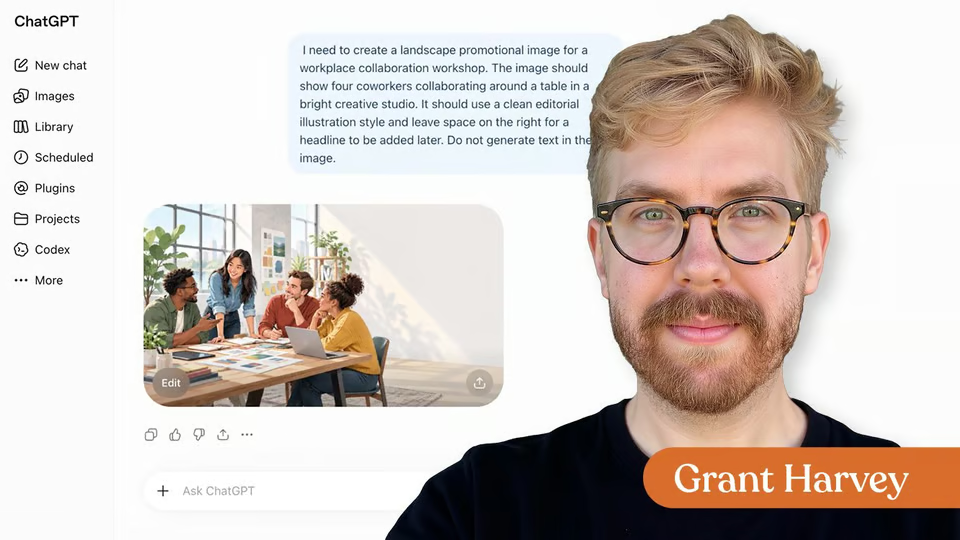
Taught by Grant Harvey

Use AI to Create Video Assets for Work, from The Neuron Academy

What you'll learn

  • Plan a workplace video as a sequence of purposeful shots before generating anything
  • Turn each planned shot into a structured AI video prompt
  • Use a shared Continuity Block to repeat approved visual details across prompts
  • Generate and evaluate one representative video from the prompt set
  • Preserve successful prompt instructions while bundling clear fixes or isolating uncertain changes
  • Decide when to keep, edit, regenerate, or reset an AI-generated video

Curriculum

The shape of the course

One mark for every step, in the order you take them. 27 videos, 8 exercises, downloadable notes and a certificate of completion.

  1. Build the Video Before You Generate It

    • 8 videos
    • 3 exercises

    Plan AI video before you spend a generation. Learn each planning concept, then apply it to one café campaign: define the message, plan the clips, use Shot Recipes, and choose continuity anchors.

    Show all 11 steps Hide the steps
    1. Build the Video Before You Generate It
    2. Start With the Message
    3. Break the Message Into Visual Beats
    4. Give Every Shot a Recipe
    5. Exercise : Quick Check
    6. Choose Your Continuity Anchors
    7. Build a Complete Video Blueprint
    8. Exercise : Quick Check
    9. Stress-Test the Blueprint
    10. Exercise : Quick Check
    11. Your Video Blueprint Is Ready
  2. Turn Your Blueprint Into Video Prompts

    • 10 videos
    • 3 exercises

    Turn your Video Blueprint into production-ready prompts, then generate the caramel-drizzle shot in Gemini Omni. Use a universal system for scene, action, camera, timing, look, boundaries, and continuity that transfers to other AI video tools.

    Show all 13 steps Hide the steps
    1. Turn Your Blueprint Into Video Prompts
    2. Build Every Prompt in Five Layers
    3. Build Prompt 2 Step by Step
    4. Exercise : Quick Check
    5. Repeat the Shared Visual Details
    6. Exercise : Quick Check
    7. Write Prompt 1: Introduce the Latte
    8. Write Prompt 3: Show the Customer Pickup
    9. Write Prompt 4: Close on the Product
    10. Review All Four Prompts
    11. Exercise : Quick Check
    12. Generate Your First Clip in Gemini Omni
    13. Four Prompts Ready One Video Generated

  3. Review and Refine Your AI Video

    • 9 videos
    • 2 exercises

    Use the Credit Ladder to protect your AI video budget. Freeze what works, bundle clear fixes, isolate uncertain ones, and regenerate only the smallest broken thing.

    Show all 11 steps Hide the steps
    1. Review and Refine Your AI Video
    2. Use the Credit Ladder Before You Regenerate
    3. Review Generation 1 Before You Change Anything
    4. Exercise : Quick Check
    5. Decide What Is Actually Worth Fixing
    6. Freeze the Wins
    7. Exercise : Quick Check
    8. When to Change More Than One Thing at Once
    9. Regenerate the Smallest Broken Thing
    10. Run the Café Shot Through the Full System
    11. Your AI Video Workflow Is Ready
  4. Downloadable

    Download the Lesson Notes for reusable prompts, authoritative links, and key points from the lesson.

    1. Download : Lesson Notes
  5. Certificate of Completion

    Congratulations! You learned how to plan an AI video before generating, turn a Video Blueprint into four structured prompts, and use shared visual instructions across the prompt set. Your new superpower is turning a workplace idea into a clear plan and a tested AI video asset without spending generations on changes you do not need.

    1. Certificate of completion

Your instructor

Grant is the voice of The Neuron, the daily newsletter delivering no-hype insights on how AI is changing the world around us, and co-hosts The Neuron’s weekly podcast.

Questions about this course

How long is this course?

It's a full course of 3 lessons. Inside: 27 videos, 8 exercises, downloadable notes and a certificate of completion.

Who teaches this course?

Grant Harvey. Grant is the voice of The Neuron, the daily newsletter delivering no-hype insights on how AI is changing the world around us, and co-hosts The Neuron’s weekly podcast.

Do I get a certificate?

Yes. Finish the course and you get a certificate of completion from The Neuron Academy.

Do I need to know how to code?

No. It's made for beginners, and like everything in the Academy it needs no coding or technical background.

How do I get access?

This course is included in a The Neuron Academy membership. Start with a 7-day free trial, then choose a monthly or yearly plan. Cancel anytime. New lessons are added every week.

The Neuron Academy

Learn AI the way you read The Neuron: short, practical, no hype.

  • 73 courses and lessons, with new ones every week
  • Guided paths for 5 goals, from first prompt to first agent
  • A certificate for every course you finish
  • No coding or technical background required
Start your 7-day free trial

7 days free, then a monthly or yearly plan. Cancel anytime.

Use AI to Create Video Assets for Work

The Neuron Logo

Don't fall behind on AI. Get the AI trends & tools you need to know. Join 700,000+ professionals from top companies like Microsoft, Apple, Salesforce and more.

Property of TechnologyAdvice. © 2026 TechnologyAdvice. All Rights Reserved

Advertiser Disclosure: Some of the products that appear on this site are from companies from which TechnologyAdvice receives compensation. This compensation may impact how and where products appear on this site including, for example, the order in which they appear. TechnologyAdvice does not include all companies or all types of products available in the marketplace.

Stay in the loop

Get notified when we publish new articles.