• Lesson
  • 18 min

Upload and Analyze Data in PDFs with AI

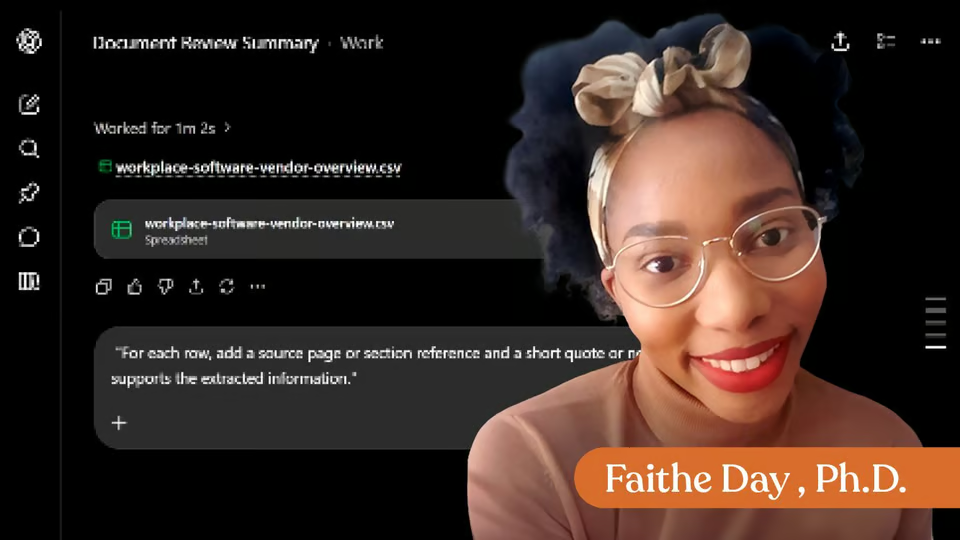
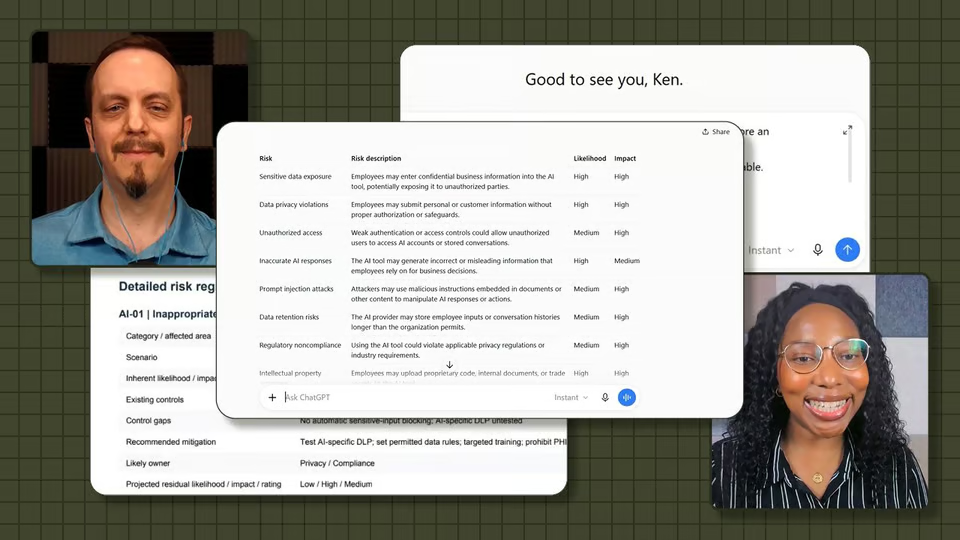
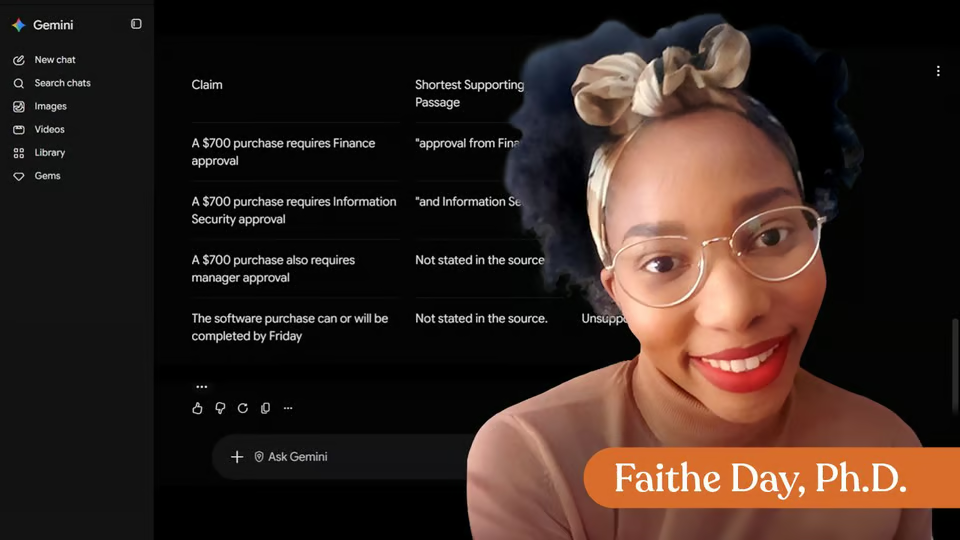
PDFs often contain useful information, but they can be difficult to search, summarize, and convert into structured data. In this lesson, you will learn a practical workflow for uploading a PDF into an AI tool, asking grounded questions about the file, extracting specific fields into a table, and preparing that table for spreadsheet use.

Start this lesson free

7 days free, then a monthly or yearly plan. Cancel anytime.

Taught by Faithe Day, Ph.D.

Upload and Analyze Data in PDFs with AI, from The Neuron Academy

What you'll learn

  • Choose a safe, appropriate PDF for AI-assisted analysis
  • Confirm what the AI can and cannot read from the uploaded file
  • Ask questions that require answers from the PDF rather than general AI knowledge
  • Define spreadsheet fields before asking for extraction
  • Request clean, spreadsheet-ready rows and columns
  • Verify extracted information against the source PDF before reuse

Curriculum

The shape of the lesson

One mark for every step, in the order you take them. 11 videos, 1 exercise, downloadable notes and a certificate of completion.

  1. Upload and Analyze Data in PDFs with AI

    • 11 videos
    • 1 exercise
    • Downloadable notes

    Learn how to upload a PDF into an AI tool, use it as a source, and extract structured information into a spreadsheet-ready table.

    1. How to Upload and Analyze PDFs
    2. Choose the Right File
    3. Download : Upload and Analyze Data in PDF
    4. Upload and Check What AI Can Read
    5. Ask Source-Grounded Questions
    6. Define the Fields Before You Extract
    7. Extract a Spreadsheet-Ready Table
    8. Make the Output Spreadsheet-Friendly
    9. Move the Data into a Spreadsheet
    10. Verify Before You Trust the Table
    11. Practice the Whole Workflow
    12. Your Reusable PDF Prompt Set
    13. Exercise : Lesson Feedback
  2. Downloadable

    Download the lesson notes for reusable prompts, authoritative links, and key points to remember.

    1. Download : Lesson Notes
  3. Certificate of Completion

    Congratulations! Now you know how to get the most use out of data locked inside PDFs.

    1. Certificate of completion

Your instructor

Faithe helps non-technical professionals understand AI without the jargon. Her lessons focus on practical workflows, clear explanations and building confidence with modern tools at work.

Questions about this lesson

How long is this lesson?

It runs 18 min. Inside: 11 videos, 1 exercise, downloadable notes and a certificate of completion.

Who teaches this lesson?

Faithe Day, Ph.D. Faithe helps non-technical professionals understand AI without the jargon. Her lessons focus on practical workflows, clear explanations and building confidence with modern tools at work.

Do I get a certificate?

Yes. Finish the lesson and you get a certificate of completion from The Neuron Academy.

Do I need to know how to code?

No. Like everything in the Academy, it needs no coding or technical background.

How do I get access?

This lesson is included in a The Neuron Academy membership. Start with a 7-day free trial, then choose a monthly or yearly plan. Cancel anytime. New lessons are added every week.

The Neuron Academy

Learn AI the way you read The Neuron: short, practical, no hype.

  • 73 courses and lessons, with new ones every week
  • Guided paths for 5 goals, from first prompt to first agent
  • A certificate for every course you finish
  • No coding or technical background required
Start your 7-day free trial

7 days free, then a monthly or yearly plan. Cancel anytime.

Upload and Analyze Data in PDFs with AI

The Neuron Logo

Don't fall behind on AI. Get the AI trends & tools you need to know. Join 700,000+ professionals from top companies like Microsoft, Apple, Salesforce and more.

Property of TechnologyAdvice. © 2026 TechnologyAdvice. All Rights Reserved

Advertiser Disclosure: Some of the products that appear on this site are from companies from which TechnologyAdvice receives compensation. This compensation may impact how and where products appear on this site including, for example, the order in which they appear. TechnologyAdvice does not include all companies or all types of products available in the marketplace.

Stay in the loop

Get notified when we publish new articles.