• Full course
  • 4 lessons
  • Beginner

Prompting Beyond the Basics

Manage more realistic AI work sessions that involve source material, comparisons, review standards, tool choices, and human judgment. You’ll learn how to guide AI through practical workplace tasks, verify its output, and turn rough responses into usable, handoff-ready results.

Start this course free

7 days free, then a monthly or yearly plan. Cancel anytime.

Taught by Faithe Day, Ph.D.

Prompting Beyond the Basics, from The Neuron Academy

What you'll learn

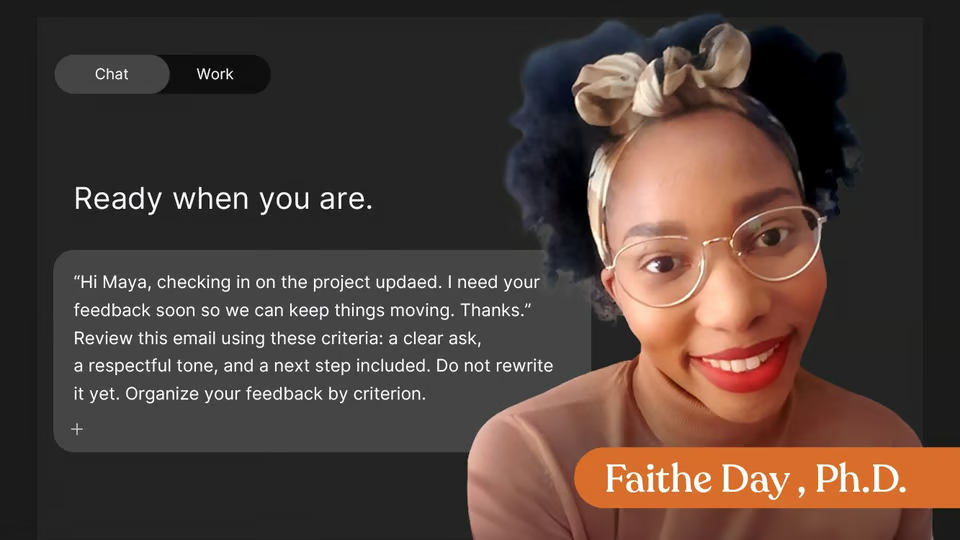
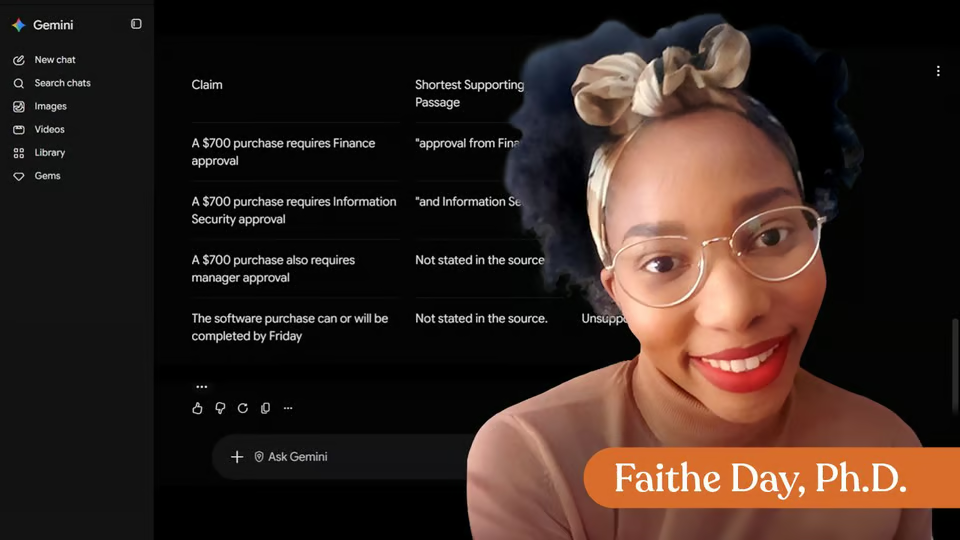
  • Prompting With Source Material: Help AI work from documents, notes, transcripts, and other sources while separating source-based information from suggestions.
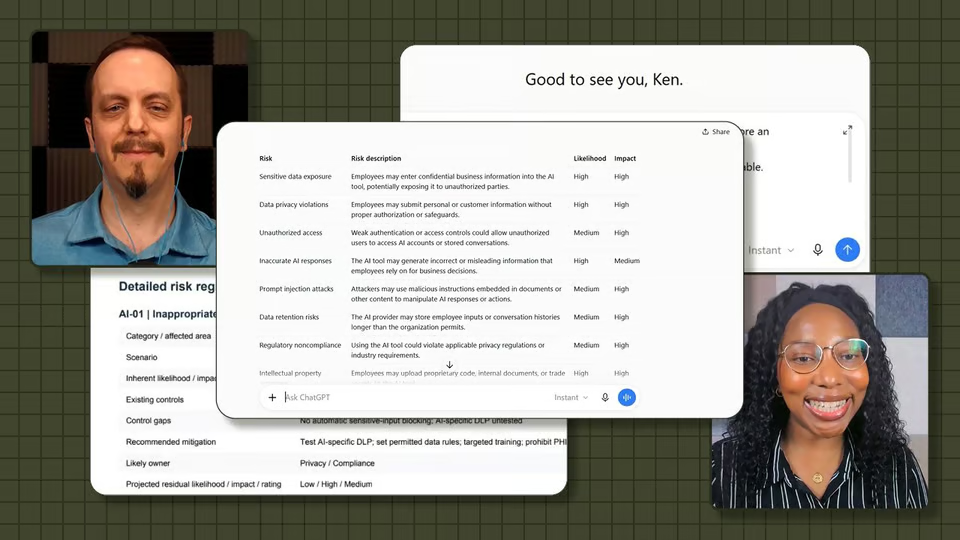
  • Prompting for Comparison and Decisions: Compare options using clear criteria, identify trade-offs, and prepare recommendations without handing the final decision to AI.
  • Prompting for Review and Quality Control: Use rubrics, checklists, and success criteria to identify weak evidence, unsupported claims, unclear logic, and other risks.
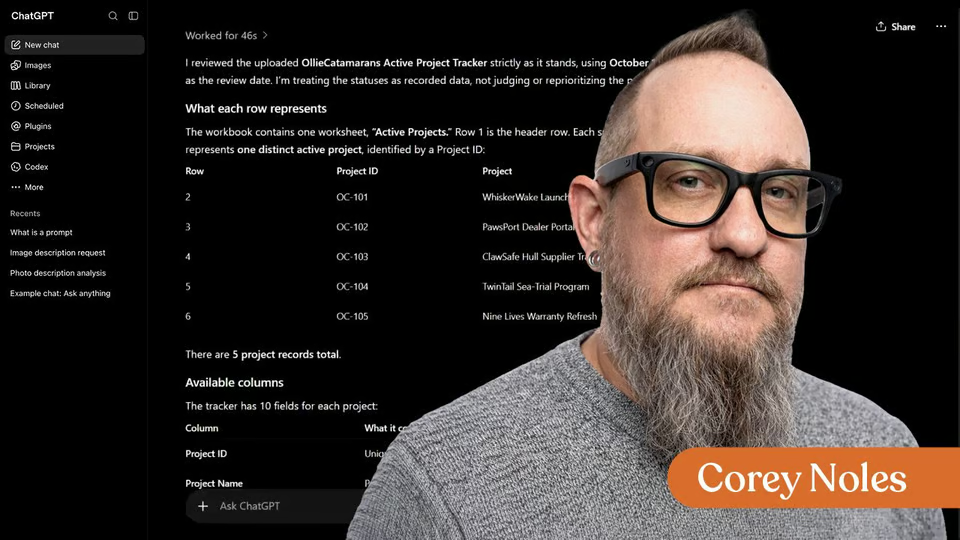
  • Prompting for Real Workflows: Choose the right AI mode or input type, refine rough output, verify important details, and prepare a final result for handoff or use.

Curriculum

The shape of the course

One mark for every step, in the order you take them. 48 videos, 30 exercises and a certificate of completion.

  1. Prompting With Source Material

    • 12 videos
    • 8 exercises

    Learners can write a source-based prompt that separates source facts, suggestions, and missing context.

    Show all 20 steps Hide the steps
    1. Prompting With Source Material
    2. Start With the Source and the Task
    3. Demonstration
    4. Try it Yourself
    5. Exercise : Write one prompt that identifies your source and gives the AI one clear task to complete with that source.
    6. Exercise : Match each prompt part with its correct purpose.
    7. Separate What the Source Says From AI Suggestions
    8. Demonstration
    9. Try it Yourself
    10. Exercise : Paste your revised prompt. It should ask the AI to separate source-supported information from optional suggestions.
    11. Exercise : True or False: If an AI suggestion sounds polished and professional, it should be treated as a source-supported fact.
    12. Ask AI to Find Gaps Before Moving Forward
    13. Demonstration
    14. Try it Yourself
    15. Exercise : Paste the sentence you added to your prompt that asks the AI to identify missing context, unclear details, or risky assumptions.
    16. Exercise : Complete the sentence: A source-based gap check asks the AI to identify what is missing, unclear, or risky to assume instead of asking it to ________.
    17. Build a Complete Source-Based Prompt
    18. Exercise : Create one complete source-based prompt for a realistic workplace task.
    19. Exercise : Put the parts of a complete source-based prompt in the best order.
    20. Wrap Up
  2. Prompting for Comparison and Decisions

    • 12 videos
    • 7 exercises

    Learn how to prompt AI to compare options without handing over the final decision. You will practice defining decision criteria, asking about tradeoffs and risks, and using AI recommendations as decision support.

    Show all 19 steps Hide the steps
    1. Prompting for Comparison and Decisions
    2. Define the Decision Criteria
    3. Criteria-Based Comparison Demo
    4. Practice
    5. Exercise : Choose three decision criteria for a workplace comparison you might ask AI to help with from the following list:
    6. Exercise : Why should a comparison prompt include decision criteria?
    7. Ask for Tradeoffs Instead of a Single Winner
    8. Demonstration
    9. Practice
    10. Exercise : Revise your comparison prompt by adding an instruction asking the AI to explain the trade-offs for each option.
    11. Exercise : A trade-off prompt helps reveal the benefits and drawbacks of each option rather than hiding the downsides behind a single winner.
    12. Keep the Final Decision Human-Led
    13. Demonstration
    14. Practice
    15. Exercise : Add a human-review instruction to your prompt, which asks the AI to identify what you should check before making a decision. It should include the assumptions behind your recommendation, what information could change it, and questions to answer before making the final decision.
    16. Exercise : What is the best role for AI in a workplace decision prompt?
    17. Build a Complete Decision Prompt
    18. Exercise : Create one complete comparison prompt for a realistic workplace decision, then paste your prompt in the section below.
    19. Wrap Up
  3. Prompting for Review and Quality Control

    • 12 videos
    • 7 exercises

    Learn how to prompt AI to review work with a clear quality standard. You will practice setting a review lens, using success criteria, flagging risks, and deciding which AI feedback to use.

    Show all 19 steps Hide the steps
    1. Prompting for Review and Quality Control
    2. Give AI a Review Lens
    3. Demonstration
    4. Try it Yourself
    5. Exercise : Choose a short draft, an AI-generated answer, a summary, or a paragraph. Then, write one prompt that asks AI to review it through a single lens, such as clarity, tone, evidence, logic, accuracy, audience fit, or usefulness.
    6. Exercise : What does a review lens do in a quality-control prompt?
    7. Review Against Criteria, Not Taste
    8. Demonstration
    9. Try it Yourself
    10. Exercise : Choose a short draft or AI output. Write three success criteria AI should use to review it.
    11. Exercise : True or False: Criteria make AI feedback more specific and easier for you to judge.
    12. Flag Risks Before Rewriting
    13. Demonstration
    14. Practice
    15. Exercise : Choose a short draft, a recommendation, a summary, or an AI-generated answer. Write one prompt that asks AI to flag unsupported claims, weak evidence, unclear logic, vague phrases, or verification needs before suggesting changes.
    16. Exercise : Why should you ask AI to flag risks before rewriting a draft?
    17. Build a Complete Review Prompt
    18. Exercise : Create one complete review prompt for a short draft or AI-generated output.
    19. Wrap Up
  4. Prompting for Real Workflows

    • 12 videos
    • 8 exercises

    Learn how to guide AI through a realistic work session from input choice to final handoff. You will practice choosing the right input, refining rough output, adding verification steps, and building a reusable workflow checklist.

    Show all 20 steps Hide the steps
    1. Prompting for Real Workflows
    2. Choose the Right Input for the Task
    3. Demonstration
    4. Try it Yourself
    5. Exercise : Choose one workplace AI task. Write one sentence naming the task and one sentence explaining what input the AI needs to help effectively.
    6. Exercise : What should guide the input type for an AI work session?
    7. Turn Rough Output Into a Usable Draft
    8. Demonstration
    9. Try it Yourself
    10. Exercise : Choose a rough AI output, short summary, draft paragraph, or set of notes. Write one follow-up prompt that turns it into a more useful workplace format.
    11. Exercise : True or False: The first AI response should usually be treated as a starting point that may need refinement before it is used or shared.
    12. Add Verification and Handoff Steps
    13. Demonstration
    14. Try it Yourself
    15. Exercise : Choose a short AI-assisted output, draft, summary, or recommendation. Write one prompt that asks AI to add source used, assumptions, verification needed, and next steps before the work is shared.
    16. Exercise : What should a handoff-ready AI-assisted output include?
    17. Build a Work Session Checklist
    18. Exercise : Which steps belong in a reusable AI work-session checklist? Choose all that apply.
    19. Exercise : Create a reusable AI work-session checklist. Include a step for source material, task and output format, criteria or review standards, gaps, assumptions, or risks, and verification and final handoff.
    20. Wrap Up
  5. Certificate of Completion

    Congratulations! Now you've got the knowledge you need to prompt LLMs for real, trustworthy outputs that will help you get real work done.

    1. Certificate of completion

Your instructor

Faithe helps non-technical professionals understand AI without the jargon. Her lessons focus on practical workflows, clear explanations and building confidence with modern tools at work.

Questions about this course

How long is this course?

It's a full course of 4 lessons. Inside: 48 videos, 30 exercises and a certificate of completion.

Who teaches this course?

Faithe Day, Ph.D. Faithe helps non-technical professionals understand AI without the jargon. Her lessons focus on practical workflows, clear explanations and building confidence with modern tools at work.

Do I get a certificate?

Yes. Finish the course and you get a certificate of completion from The Neuron Academy.

Do I need to know how to code?

No. It's made for beginners, and like everything in the Academy it needs no coding or technical background.

How do I get access?

This course is included in a The Neuron Academy membership. Start with a 7-day free trial, then choose a monthly or yearly plan. Cancel anytime. New lessons are added every week.

The Neuron Academy

Learn AI the way you read The Neuron: short, practical, no hype.

  • 73 courses and lessons, with new ones every week
  • Guided paths for 5 goals, from first prompt to first agent
  • A certificate for every course you finish
  • No coding or technical background required
Start your 7-day free trial

7 days free, then a monthly or yearly plan. Cancel anytime.

Prompting Beyond the Basics

The Neuron Logo

Don't fall behind on AI. Get the AI trends & tools you need to know. Join 700,000+ professionals from top companies like Microsoft, Apple, Salesforce and more.

Property of TechnologyAdvice. © 2026 TechnologyAdvice. All Rights Reserved

Advertiser Disclosure: Some of the products that appear on this site are from companies from which TechnologyAdvice receives compensation. This compensation may impact how and where products appear on this site including, for example, the order in which they appear. TechnologyAdvice does not include all companies or all types of products available in the marketplace.

Stay in the loop

Get notified when we publish new articles.