• Full course
  • 7 lessons

Professional Writing With AI

Use AI to write faster without giving up your voice, judgment, or responsibility for the final work. You’ll learn how to plan, draft, revise, and fact-check professional content with ChatGPT across emails, articles, reports, persuasive writing, and other common workplace tasks.

Start this course free

7 days free, then a monthly or yearly plan. Cancel anytime.

Taught by Faithe Day, Ph.D.

Professional Writing With AI, from The Neuron Academy

What you'll learn

  • AI as Writing Partner, Not Replacement: Use AI to support your writing while keeping human judgment in control.
  • Professional Email Writing: Create clearer prompts, adjust tone for different audiences, and edit emails so they sound natural.
  • Blog Posts and Articles: Brainstorm ideas, build outlines, draft in stages, and improve content for readers and search.
  • Long-Form Content: Reports & Whitepapers: Plan complex projects, draft focused sections, and maintain consistency across longer documents.
  • Creative & Persuasive Writing: Develop ideas, strengthen messages, and preserve your unique voice.
  • AI-Assisted Editing & Revision: Improve grammar, clarity, tone, structure, flow, and readability without changing your meaning.
  • Fact-Checking, Citations & Quality Control: Verify claims, avoid fabricated sources, and complete a final review before publishing.

Curriculum

The shape of the course

One mark for every step, in the order you take them. 79 videos, 42 exercises and a certificate of completion.

  1. AI as Writing Partner, Not Replacement

    • 12 videos
    • 6 exercises

    Learn how to use AI as a writing partner without giving up your voice, judgment, or responsibility as a writer. You will identify where AI can help, revise generic output to sound more authentic, and review AI-assisted writing for accuracy and trustworthiness.

    Show all 18 steps Hide the steps
    1. AI as Writing Partner, Not Replacement
    2. Understanding AI Limits
    3. Demonstration
    4. TRY IT YOURSELF
    5. Exercise : Which tasks are AI generally GOOD at helping with?
    6. Exercise : Which area does AI commonly struggle with most?
    7. Why Voice Matters
    8. Demonstration
    9. TRY IT YOURSELF
    10. Exercise : Paste one sentence you changed to better match your voice.
    11. Exercise : What is the BEST way to maintain your authentic voice when using AI?
    12. Responsible AI Use
    13. Demonstration
    14. Try it Yourself
    15. Exercise : Which steps help ensure AI-assisted writing is responsible and trustworthy?
    16. Exercise : Who is ultimately responsible for the accuracy of AI-assisted writing?
    17. Show What You’ve Learned
    18. Wrap-Up
  2. Professional Email Writing

    • 12 videos
    • 9 exercises

    Learn how to use AI to draft professional emails that are clear, audience-aware, and natural. You will practice writing stronger prompts, adjusting tone for different readers, and editing AI-generated emails to make them sound more human.

    Show all 21 steps Hide the steps
    1. Professional Email Writing
    2. Strong Prompts Create Better Emails
    3. Demonstration
    4. Try It Yourself
    5. Exercise : Which details improve an AI email prompt?
    6. Exercise : Which prompt is MOST likely to generate a useful email draft?
    7. Better Instructions Improve Results
    8. Demonstration
    9. Try It Yourself
    10. Exercise : Which tone is usually BEST for internal team communication?
    11. Exercise : Which factors should influence email tone? Select all that apply.
    12. Exercise : Professional emails should use the exact same tone in every situation.
    13. Avoiding Robotic Communication
    14. Demonstration
    15. Try It Yourself
    16. Exercise : Which edits usually improve AI-generated emails?
    17. Exercise : What makes an email sound more human?
    18. Try It Yourself
    19. Exercise : Which improvements help make AI-generated emails more effective?
    20. Exercise : What is the BEST reason to edit AI-generated emails before sending?
    21. Wrap-Up
  3. Blog Posts and Articles

    • 12 videos
    • 4 exercises

    Learn how to use AI to plan and draft reports and whitepapers without giving up control of the structure, evidence, or final argument. You will practice breaking large projects into sections, drafting focused report content, maintaining consistency, and verifying sources.

    Show all 16 steps Hide the steps
    1. Blog Posts and Articles
    2. Start With Structure
    3. Brainstorm Blog Ideas With AI
    4. Use AI for Research Assistance
    5. Create an Outline for a Specific Reader
    6. Exercise : Which prompt would be most effective for generating a useful blog outline for a specific audience?
    7. Drafting: Make the First Paragraph Matter
    8. Demo: Weak vs Compelling Introductions
    9. Build Body Sections, Transitions, and Conclusions
    10. Exercise : Which introduction is strongest for a blog post about AI chatbots for small businesses?
    11. SEO Basics: Help Readers and Search Engines
    12. Edit AI Drafts for Authority and Trust
    13. Exercise : Match each editing goal with the action that best supports it.
    14. Module Activity: Write an AI-Assisted Blog Post
    15. Exercise : Submit one revised AI-assisted article section. It should include the heading, the main idea, and a useful example you produced for your LLM.
    16. Wrap-Up
  4. Long-Form Content - Reports & Whitepapers

    • 11 videos
    • 6 exercises

    Learn how to use AI to plan and draft reports and whitepapers without giving up control of the structure, evidence, or final argument. You will practice breaking large projects into sections, drafting focused report content, maintaining consistency, and verifying sources.

    Show all 17 steps Hide the steps
    1. Long-Form Content - Reports & Whitepapers
    2. Planning Large Writing Projects
    3. Break the Project Into Sections
    4. Create an Outline With Logic
    5. Exercise : Which outline request would be most useful when planning a professional report?
    6. Draft Section by Section
    7. Demo: Build One Report Section
    8. Maintain Consistency Across Sections
    9. Exercise : Match each item in the consistency guide with its purpose.
    10. Sources, Citations, and Credibility
    11. Avoid Fabricated Sources and Formatting Drift
    12. Exercise : A professional report can cite an AI-provided source as long as the citation looks complete.
    13. Activity: Create a Report Outline and First Section
    14. Exercise : Write one AI prompt that could help you plan a section of a professional report.
    15. Exercise : Does your prompt clearly name the audience for the report section?
    16. Exercise : Does your prompt identify the specific report section you want AI to help plan?
    17. Wrap-Up: Use AI as a Project Partner
  5. Creative & Persuasive Writing

    • 11 videos
    • 7 exercises

    Learn how to use AI to support creative and persuasive writing without giving up your voice. You will practice brainstorming ideas, strengthening audience-focused messages, overcoming writer’s block, and revising AI-assisted drafts so they feel specific, intentional, and human.

    Show all 18 steps Hide the steps
    1. Creative & Persuasive Writing
    2. AI for Storytelling and Creativity
    3. Demo: Brainstorm a Creative Concept
    4. Exercise : What is the best role for AI during early creative brainstorming?
    5. Know AI’s Limits in Emotional Storytelling
    6. Persuasive and Marketing Writing
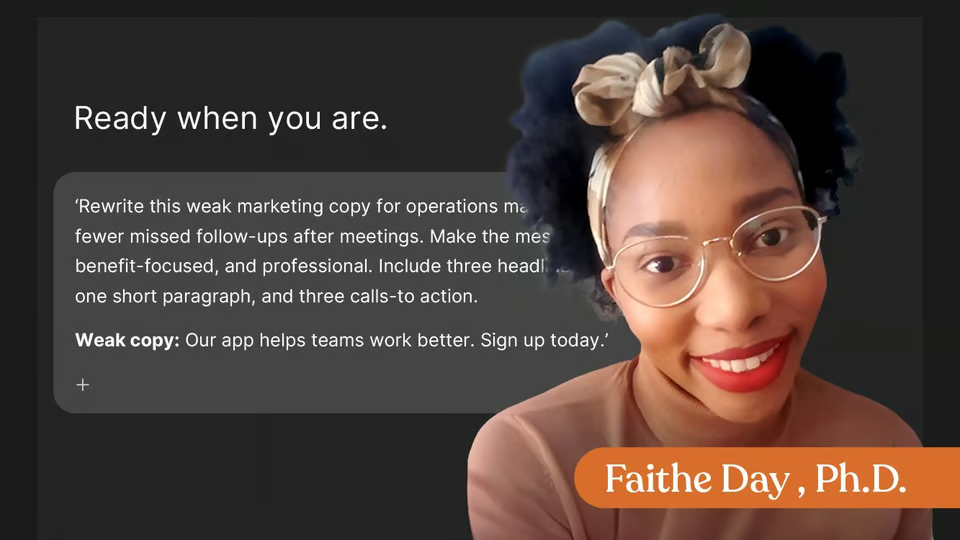
    7. Demo: Rewrite Weak Copy
    8. Exercise : Which elements usually make persuasive copy stronger? Choose all that apply.
    9. Audience Psychology and Persuasive Choices
    10. Finding Your Voice and Overcoming Writer’s Block
    11. Exercise : How can AI support your creativity without taking over your voice?
    12. Know When AI Hurts Creativity
    13. Exercise : If an AI-assisted draft sounds polished, it automatically reflects the writer’s authentic voice.
    14. Activity: Write in Your Unique Voice
    15. Exercise : Submit Your Creative or Persuasive Piece.
    16. Exercise : Which statement best describes the personal change you made while revising?
    17. Exercise : After revising, what feels strongest about your final piece?
    18. Module Outro
  6. AI-Assisted Editing & Revision

    • 12 videos
    • 5 exercises

    Learn how to use AI as an editing partner to improve grammar, clarity, tone, structure, and flow without giving up control of your meaning or voice. You will practice focused revision prompts, multiple editing rounds, and deciding when a draft is ready.

    Show all 17 steps Hide the steps
    1. AI-Assisted Editing & Revision
    2. Using AI as an Editor
    3. Grammar, Clarity, and Readability
    4. Exercise : Which prompt gives AI the clearest editing job?
    5. Simplifying Complex Writing
    6. Identifying Weak Sections
    7. Exercise : Before asking AI to rewrite a weak section, it can help to have it diagnose the problem first.
    8. Refining Structure & Tone
    9. Before-and-After Editing Example
    10. Strengthening Flow and Arguments
    11. Exercise : Which issues can AI help identify during a structure revision? Choose all that apply.
    12. Multiple Revision Rounds
    13. When to Stop Editing
    14. Lesson Activity
    15. Exercise : In this activity, you will submit one revised draft and explain one change that improved the writing.
    16. Exercise : What AI suggestion or human edit did you use, and why did it improve the writing?
    17. Wrap-Up
  7. Fact-Checking, Citations & Quality Control

    • 9 videos
    • 5 exercises

    Learn how to fact-check AI-assisted writing, verify sources, review citations, and complete a final quality-control pass before publishing. You will practice separating checkable claims from commentary and building a repeatable review workflow.

    Show all 14 steps Hide the steps
    1. Fact-Checking, Citations & Quality Control
    2. Verifying Facts & Detecting AI Errors
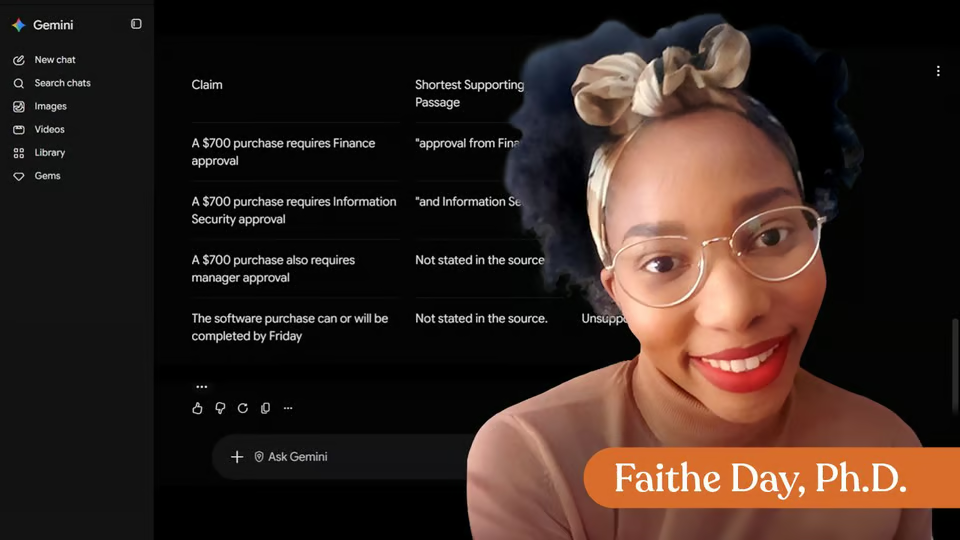
    3. A Simple Fact-Checking Workflow
    4. Exercise : Which sentence most clearly needs fact-checking before publication?
    5. Exercise : Name one factual claim you would verify in an AI-generated draft, and name the type of source you would use to check it.
    6. Citations, Sources & Originality
    7. Demo: Correct vs. Fabricated Citations
    8. Exercise : Which citation habits reduce risk? Choose all that apply.
    9. Final Quality Control & Sustainable Workflows
    10. Build a Repeatable Review Habit
    11. Lesson Activity
    12. Exercise : Paste your final draft after checking three factual claims.
    13. Exercise : What did you find when you checked the factual claims?
    14. Wrap-Up
  8. Certificate of Completion

    Congratulations on learning how to up your writing game by using AI as your writing assistant!

    1. Certificate of completion

Your instructor

Faithe helps non-technical professionals understand AI without the jargon. Her lessons focus on practical workflows, clear explanations and building confidence with modern tools at work.

Questions about this course

How long is this course?

It's a full course of 7 lessons. Inside: 79 videos, 42 exercises and a certificate of completion.

Who teaches this course?

Faithe Day, Ph.D. Faithe helps non-technical professionals understand AI without the jargon. Her lessons focus on practical workflows, clear explanations and building confidence with modern tools at work.

Do I get a certificate?

Yes. Finish the course and you get a certificate of completion from The Neuron Academy.

Do I need to know how to code?

No. Like everything in the Academy, it needs no coding or technical background.

How do I get access?

This course is included in a The Neuron Academy membership. Start with a 7-day free trial, then choose a monthly or yearly plan. Cancel anytime. New lessons are added every week.

The Neuron Academy

Learn AI the way you read The Neuron: short, practical, no hype.

  • 73 courses and lessons, with new ones every week
  • Guided paths for 5 goals, from first prompt to first agent
  • A certificate for every course you finish
  • No coding or technical background required
Start your 7-day free trial

7 days free, then a monthly or yearly plan. Cancel anytime.

Professional Writing With AI

The Neuron Logo

Don't fall behind on AI. Get the AI trends & tools you need to know. Join 700,000+ professionals from top companies like Microsoft, Apple, Salesforce and more.

Property of TechnologyAdvice. © 2026 TechnologyAdvice. All Rights Reserved

Advertiser Disclosure: Some of the products that appear on this site are from companies from which TechnologyAdvice receives compensation. This compensation may impact how and where products appear on this site including, for example, the order in which they appear. TechnologyAdvice does not include all companies or all types of products available in the marketplace.

Stay in the loop

Get notified when we publish new articles.