

Lesson · 9 min
Claude
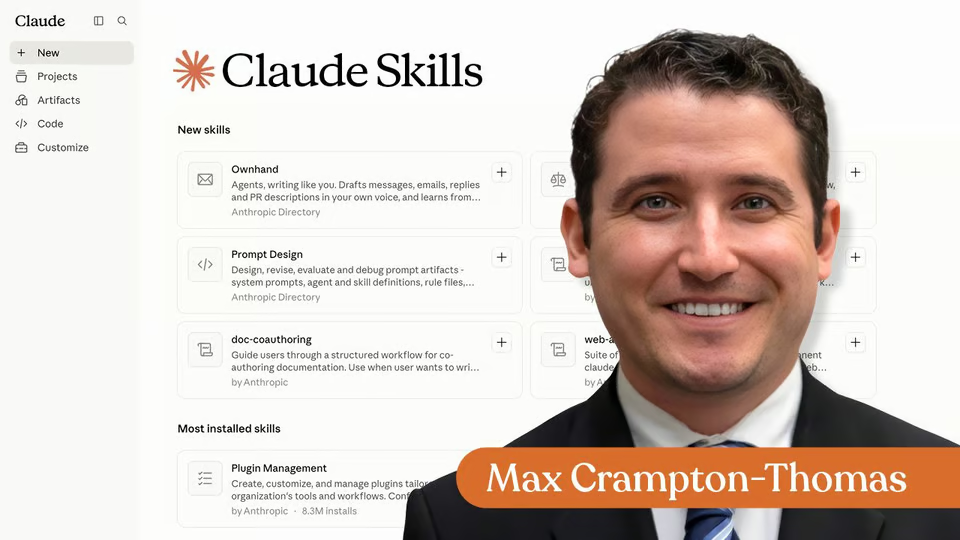
What are Claude Skills?
Learn when reusable Claude guidance fits your workflow better than a one-off prompt.
10 videos · notes · certificate
Max Crampton-Thomas
This course strips away the hype and shows you exactly how Claude works and why it matters for your job.
You'll learn the interface, build real projects with organized documents, create custom skills for tasks you repeat, and explore Claude Code and Cowork for automation.
7 days free, then a monthly or yearly plan. Cancel anytime.

Taught by Grant Harvey
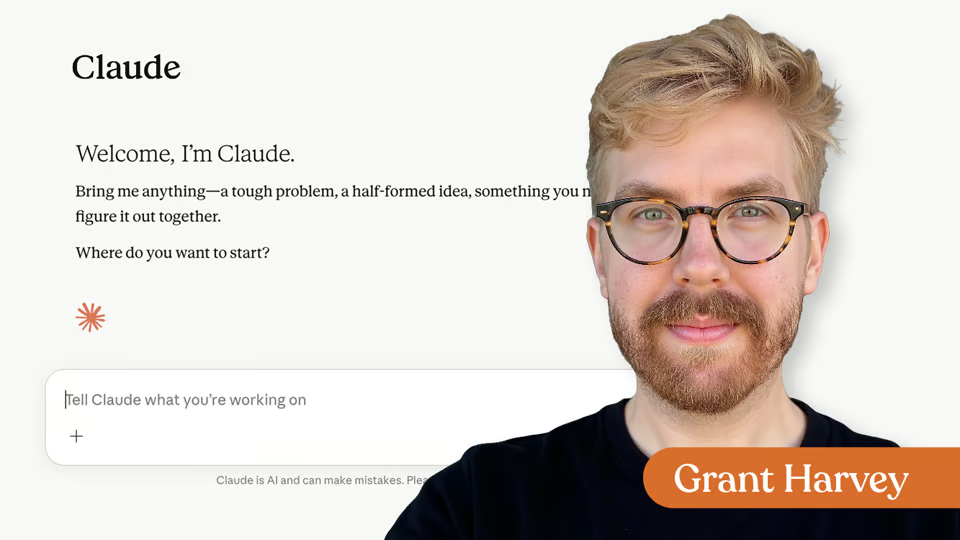
Lessons include video teaching and hands-on activities—you'll compare models, set up a working project, build a skill you can use tomorrow, and deploy tools that save you time.
Curriculum
One mark for every step, in the order you take them. 45 videos, 7 knowledge checks, 2 exercises and a certificate of completion.
Most people never touch Claude's settings and get half the results. Learn the four moves that change everything: how conversations build context across messages, which model fits which task, when Thinking Mode pays off, and how to set your tone once and keep it forever.
Imagine never having to paste the same context into Claude again. Projects let you build a permanent workspace where your documents, instructions, and conversations live together. Upload your files once, set how Claude should respond, and everything carries forward in every chat. One setup. Endless reuse.
Learn to teach Claude how you work by creating and using Skills—instruction files that make Claude consistent across conversations. Discover pre-built Skills for documents and spreadsheets, enable partner Skills for tools like Notion and Figma, and build your own custom Skill for tasks you repeat weekly.
Your files deserve better than copy-paste. Cowork is a desktop app that lets Claude organize, rename, and manage your files using plain English—no terminal, no coding. Install it, connect a folder, and describe what you want done. Handle in seconds what normally takes you minutes.
Learn to use Claude Code, a terminal-based version of Claude that works directly with files on your computer. No coding experience needed. In this module, you'll install Claude Code, run your first session, and understand when to use it versus the chat window. Perfect for anyone who wants to automate file work and save time on repetitive tasks.
Congratulations! You've gone beyond basic chat and learned how Claude can help organize information, automate work, and support larger projects. Now start building workflows that save you time.
Your instructor
Grant is the voice of The Neuron, the daily newsletter delivering no-hype insights on how AI is changing the world around us, and co-hosts The Neuron’s weekly podcast.
Part of
Tools covered
It's a full course of 5 lessons. Inside: 45 videos, 7 knowledge checks, 2 exercises and a certificate of completion.
Grant Harvey. Grant is the voice of The Neuron, the daily newsletter delivering no-hype insights on how AI is changing the world around us, and co-hosts The Neuron’s weekly podcast.
Yes. Finish the course and you get a certificate of completion from The Neuron Academy.
No, though you'll work hands-on with coding tools. The course walks you through them step by step, and like everything in the Academy it assumes no coding background.
This course is included in a The Neuron Academy membership. Start with a 7-day free trial, then choose a monthly or yearly plan. Cancel anytime. New lessons are added every week.
Claude
Learn when reusable Claude guidance fits your workflow better than a one-off prompt.
10 videos · notes · certificate
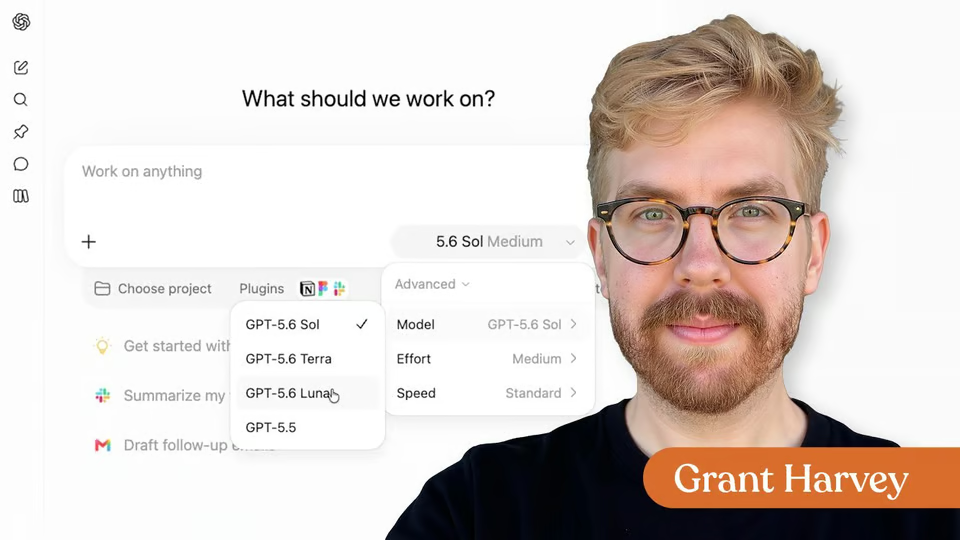
ChatGPT · Claude
Choose efficient model & effort configurations and stop using longer prompts to solve the wrong problem.
1 video · 1 exercise · notes · certificate
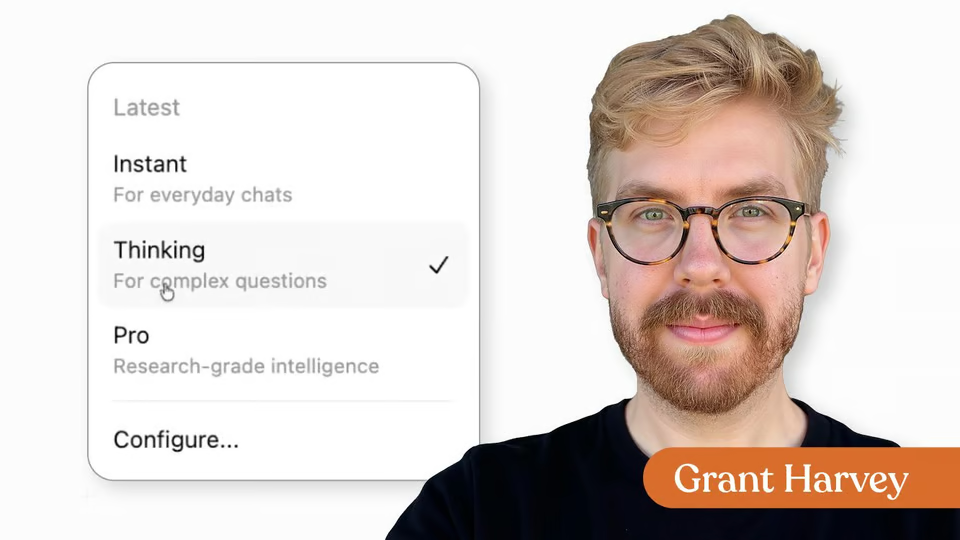
ChatGPT · Claude · Gemini
Compare ChatGPT, Claude, Gemini, and Grok by their real platform strengths, model modes, and best-fit use cases.
8 videos · 1 exercise · certificate
The Neuron Academy
7 days free, then a monthly or yearly plan. Cancel anytime.

Getting Started with Claude

Don't fall behind on AI. Get the AI trends & tools you need to know. Join 700,000+ professionals from top companies like Microsoft, Apple, Salesforce and more.
Property of TechnologyAdvice. © 2026 TechnologyAdvice. All Rights Reserved
Advertiser Disclosure: Some of the products that appear on this site are from companies from which TechnologyAdvice receives compensation. This compensation may impact how and where products appear on this site including, for example, the order in which they appear. TechnologyAdvice does not include all companies or all types of products available in the marketplace.
Stay in the loop
Get notified when we publish new articles.