

Lesson · 25 min
ChatGPT · Claude · Gemini
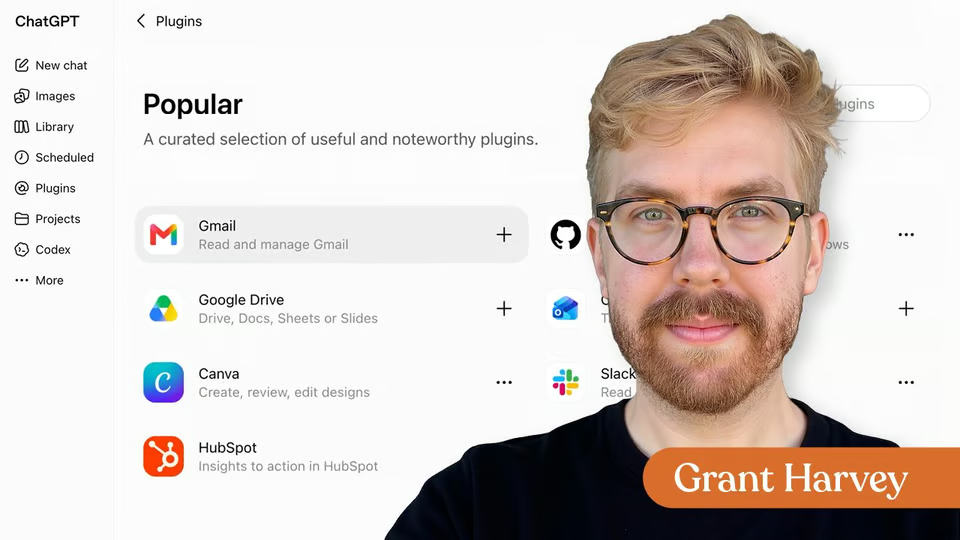
Connect AI to Your Tools with MCP
Learn how connectors and MCP give AI controlled access to the apps, data, and actions you use at work.
10 videos · notes · certificate
Grant Harvey
Claude Cowork can complete multi-step assignments and create finished workplace files. Before delegating important work, however, you need to understand how to control access to it and review what it produces.
In this Quick Hit, you’ll install Claude Desktop, open Cowork, connect a dedicated working folder, and create a project update from self-contained fictional notes. You’ll also learn how to set task boundaries, monitor Cowork’s activity, and verify the finished document.
7 days free, then a monthly or yearly plan. Cancel anytime.

Taught by Grant Harvey
Curriculum
One mark for every step, in the order you take them. 7 videos, downloadable notes and a certificate of completion.
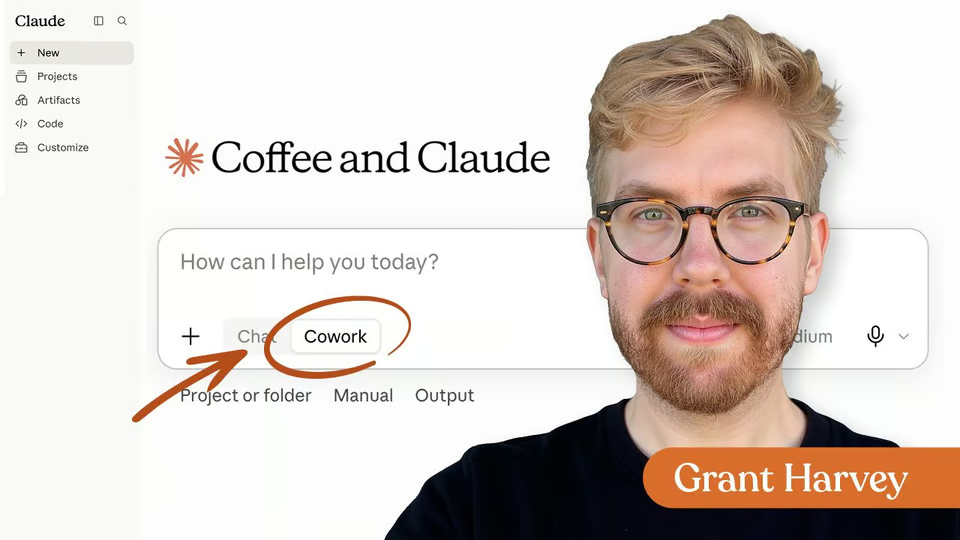
Install Claude Desktop, open Cowork, and connect a limited working folder. Then use self-contained fictional notes to create and verify your first workplace document without having to prepare separate demo files.
Download the Lesson Notes for reusable prompts, authoritative links, and key points from the lesson.
Congratulations! You just installed Claude Cowork and ran your first carefully scoped task. Your new superpower is knowing how to give an AI agent a clear goal, limit its access, monitor its work, and verify the final deliverable before putting it to use.
Your instructor
Grant is the voice of The Neuron, the daily newsletter delivering no-hype insights on how AI is changing the world around us, and co-hosts The Neuron’s weekly podcast.
Tools covered
It runs 20 min. Inside: 7 videos, downloadable notes and a certificate of completion.
Grant Harvey. Grant is the voice of The Neuron, the daily newsletter delivering no-hype insights on how AI is changing the world around us, and co-hosts The Neuron’s weekly podcast.
Yes. Finish the lesson and you get a certificate of completion from The Neuron Academy.
No. Like everything in the Academy, it needs no coding or technical background.
This lesson is included in a The Neuron Academy membership. Start with a 7-day free trial, then choose a monthly or yearly plan. Cancel anytime. New lessons are added every week.
ChatGPT · Claude · Gemini
Learn how connectors and MCP give AI controlled access to the apps, data, and actions you use at work.
10 videos · notes · certificate
Claude
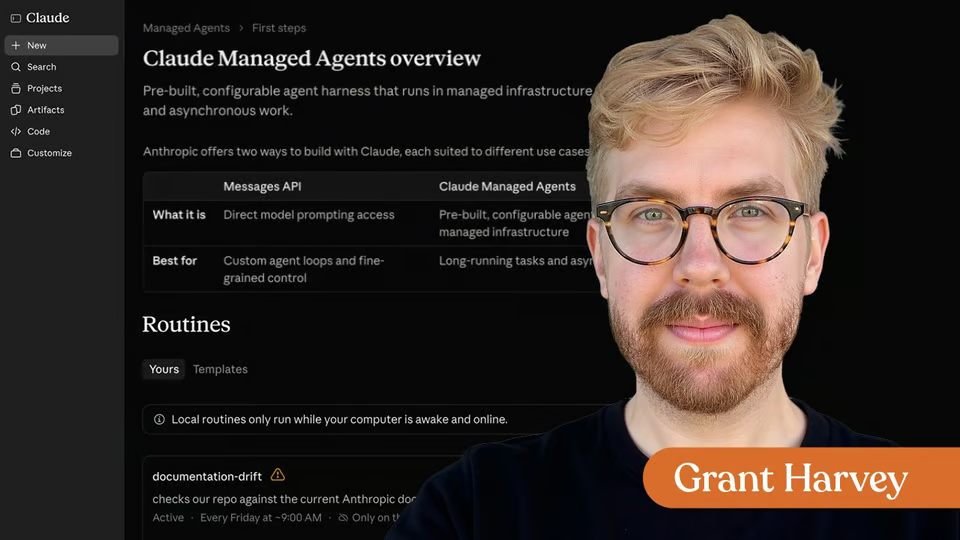
Choose how to automate recurring Claude work, with practical examples of Routines, Managed Agents, and the controls each workflow needs.
12 videos · notes · certificate
Claude
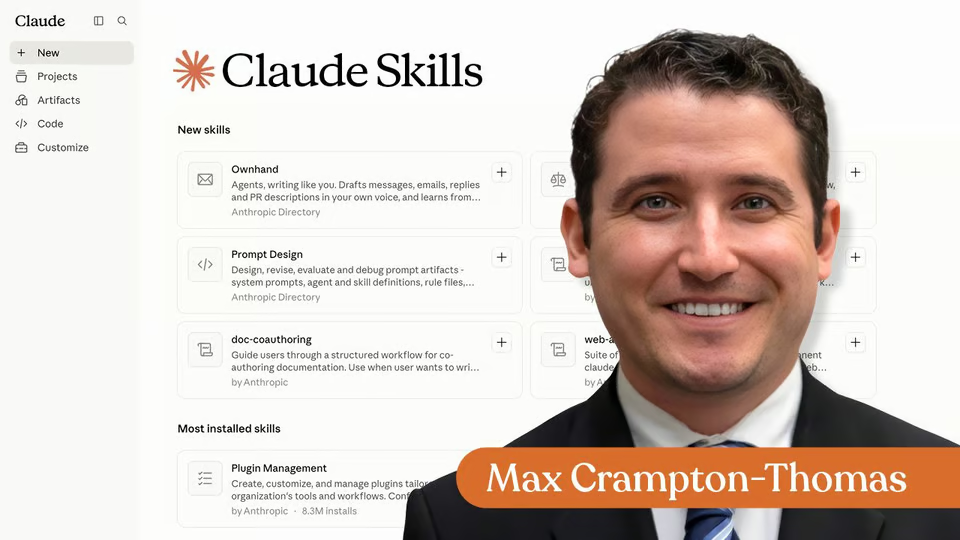
Learn when reusable Claude guidance fits your workflow better than a one-off prompt.
10 videos · notes · certificate
The Neuron Academy
7 days free, then a monthly or yearly plan. Cancel anytime.

How to Get Started With Claude Cowork

Don't fall behind on AI. Get the AI trends & tools you need to know. Join 700,000+ professionals from top companies like Microsoft, Apple, Salesforce and more.
Property of TechnologyAdvice. © 2026 TechnologyAdvice. All Rights Reserved
Advertiser Disclosure: Some of the products that appear on this site are from companies from which TechnologyAdvice receives compensation. This compensation may impact how and where products appear on this site including, for example, the order in which they appear. TechnologyAdvice does not include all companies or all types of products available in the marketplace.
Stay in the loop
Get notified when we publish new articles.