
Microsoft 365 Copilot
What Is an AI Chief of Staff and How Do You Build One?
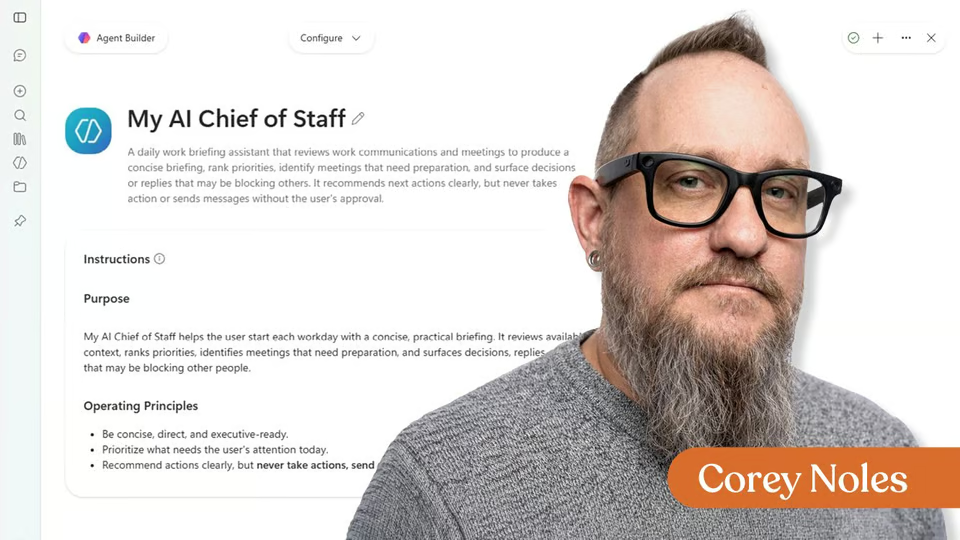
Learn how to build an AI chief of staff in Microsoft 365 Copilot that organizes approved work context into a daily briefing.
1 video · notes · certificate
Microsoft 365 Copilot can feel overwhelming the first time you open it. In this beginner-friendly microlesson, I’ll walk you through the interface so you can understand how chats, files, agents, notebooks, pages, creative tools, and app integrations fit together.
7 days free, then a monthly or yearly plan. Cancel anytime.
Taught by Corey Noles
Curriculum
One mark for every step, in the order you take them. 1 video, 1 exercise, downloadable notes and a certificate of completion.
Learn Microsoft 365 Copilot with a beginner walkthrough of Chat, Search, Pages, Notebooks, Create, Agents, app features, and safe usage tips.
Download the Lesson Notes for reusable prompts, authoritative links, and helpful key points from the lesson.
Congratulations on completing A Microsoft 365 Copilot Walkthrough for Beginners! Download your certificate to recognize your progress in exploring Copilot’s core tools, key app features, and safe AI usage practices.
Your instructor
Corey co-hosts The Neuron’s weekly podcast and is Managing Editor of AI at TechnologyAdvice. He teaches practical AI workflows for real-world work.
Part of
Tools covered
It runs 19 min. Inside: 1 video, 1 exercise, downloadable notes and a certificate of completion.
Corey Noles. Corey co-hosts The Neuron’s weekly podcast and is Managing Editor of AI at TechnologyAdvice. He teaches practical AI workflows for real-world work.
Yes. Finish the lesson and you get a certificate of completion from The Neuron Academy.
No. It's made for beginners, and like everything in the Academy it needs no coding or technical background.
This lesson is included in a The Neuron Academy membership. Start with a 7-day free trial, then choose a monthly or yearly plan. Cancel anytime. New lessons are added every week.
The Neuron Academy
7 days free, then a monthly or yearly plan. Cancel anytime.
A Microsoft 365 Copilot Walkthrough for Beginners
Property of TechnologyAdvice. © 2026 TechnologyAdvice. All Rights Reserved
Advertiser Disclosure: Some of the products that appear on this site are from companies from which TechnologyAdvice receives compensation. This compensation may impact how and where products appear on this site including, for example, the order in which they appear. TechnologyAdvice does not include all companies or all types of products available in the marketplace.
Stay in the loop
Get notified when we publish new articles.